
Mission 1 / 22→
Blinking Traffic Light
Make a traffic light that changes color over time.
Mission
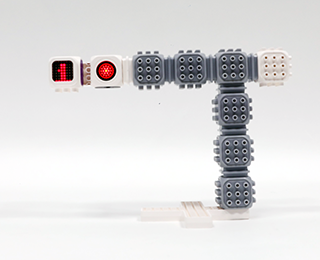
Build a traffic light with red, orange, yellow and blue lights.
Traffic lights show us the rules of the road. Code a traffic light that signals with a red light and a smiling face.
Blocks needed
- × 1
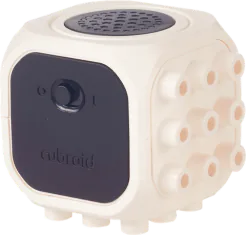
- × 1
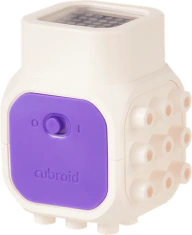
- × 15
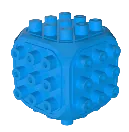
- × 7
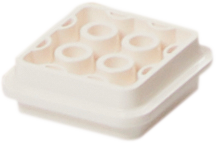
- × 1
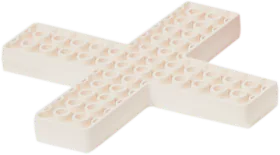
- × 1
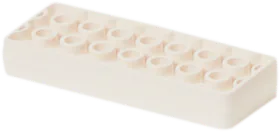
How to build 10 steps
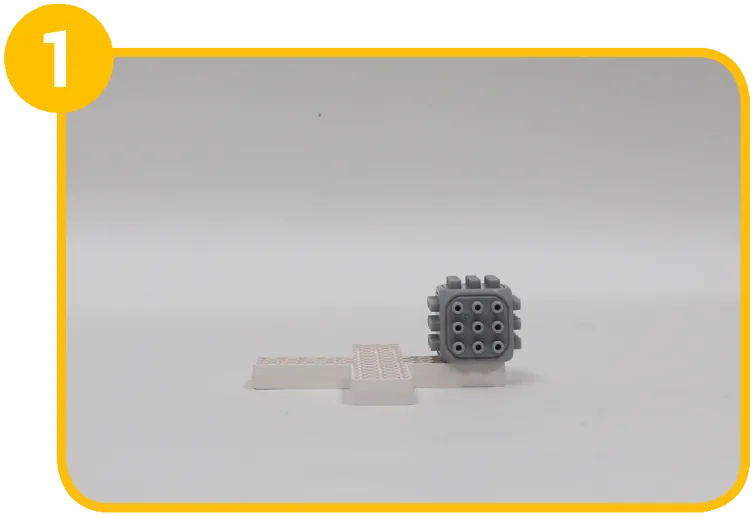
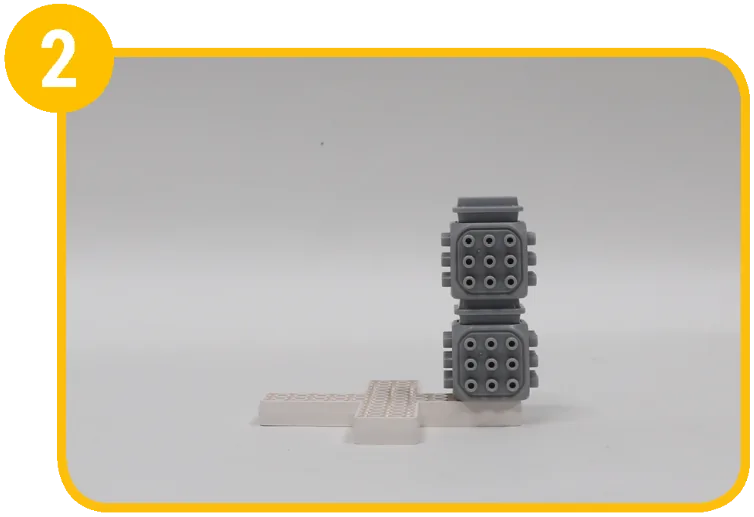
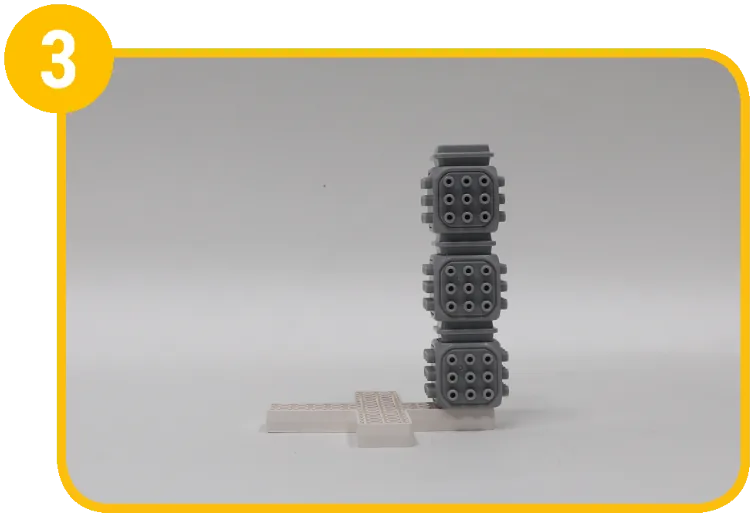
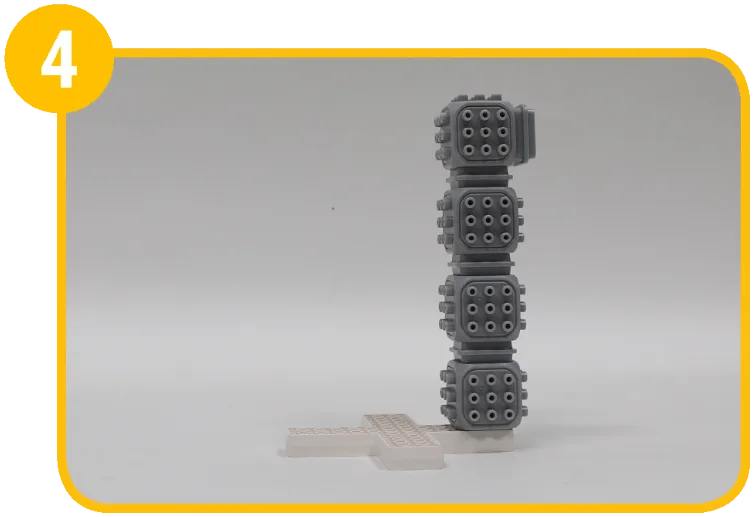
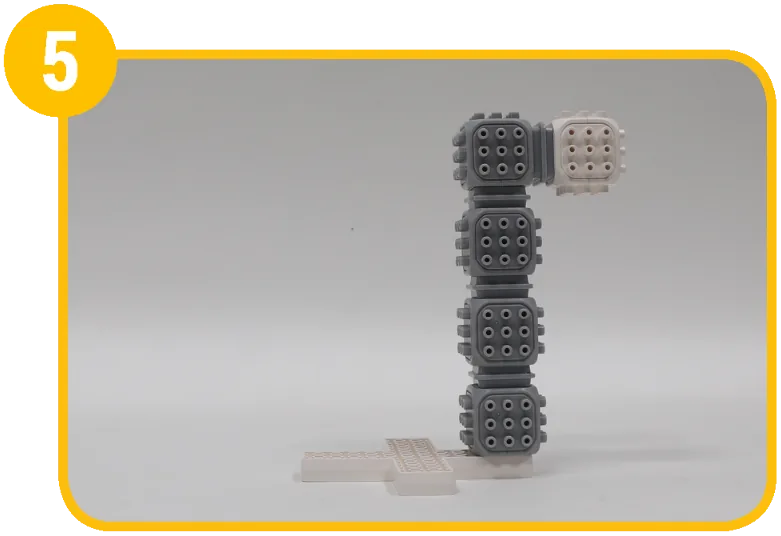
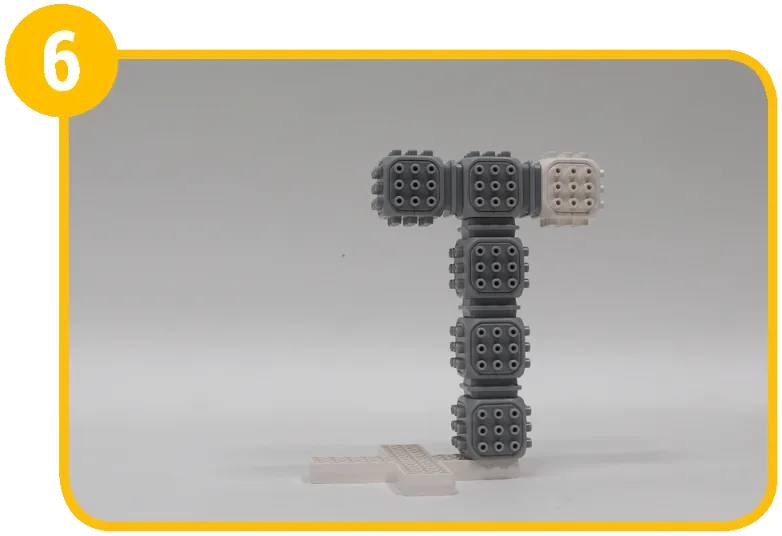
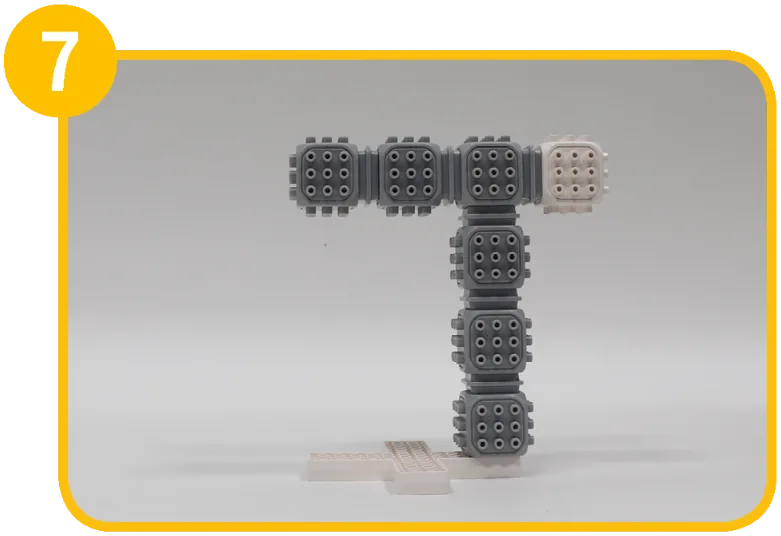
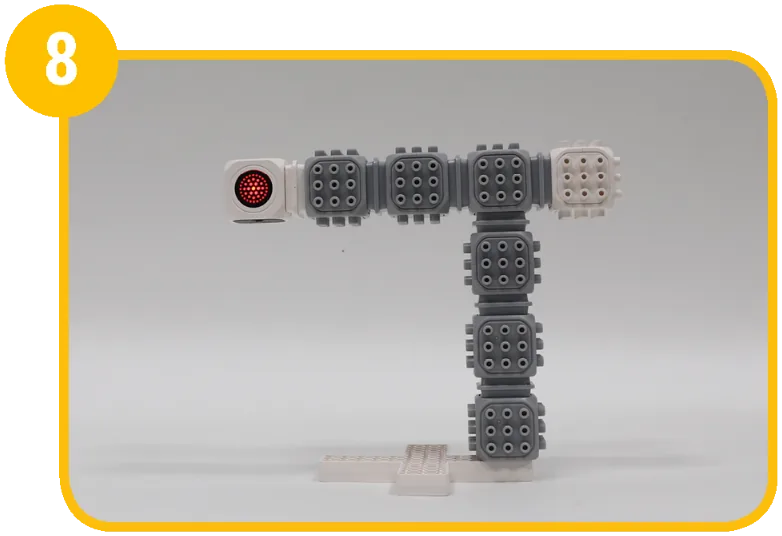
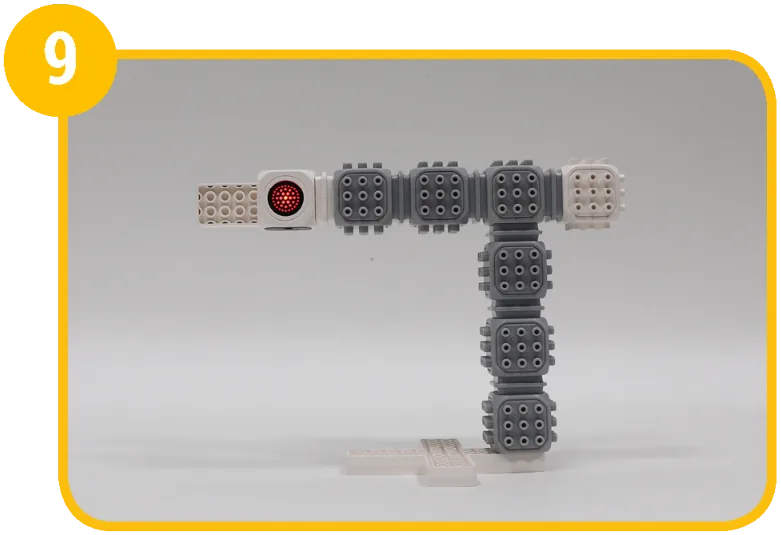
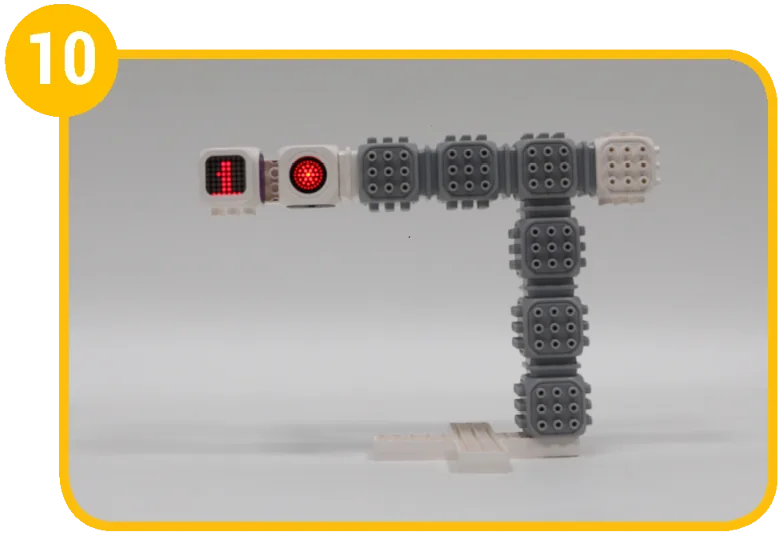
1 / 10
Coding mission
Traffic lights show us the rules of the road. Code a traffic light that signals with a red light and a smiling face.

What each block does
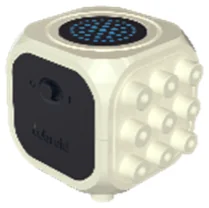 Master BlockTraffic light
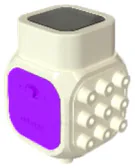 LED BlockTraffic light sign board
Let's think
Start every code with the “Start Block.”
The “Start Block” is the point where your code begins to run.
Rules of the Start Block
- Code does not run without a Start Block.
- Every code must have the Start Block at the very front.
- You can use only one Start Block per stage.
Show the solution
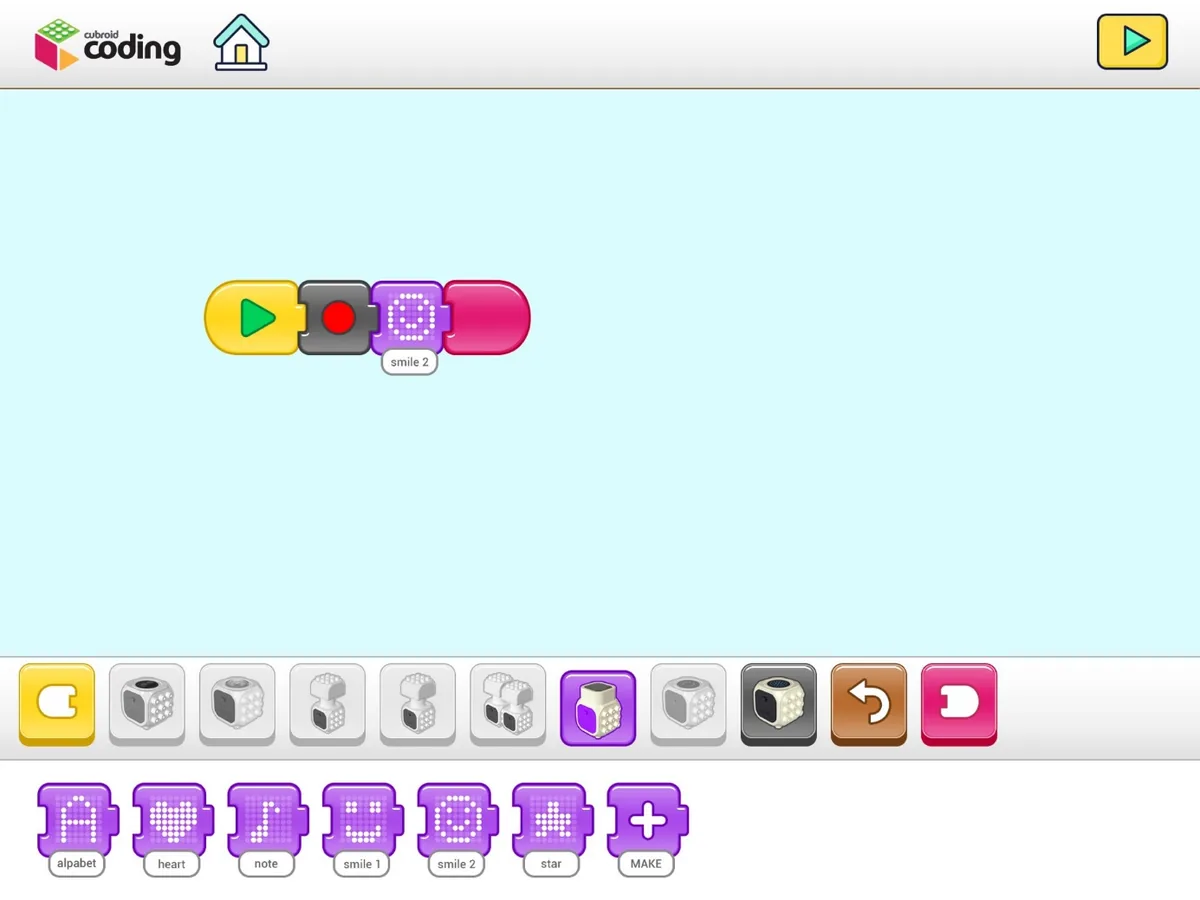
When the start block runs, the Master Block shows red and the LED block shows a smiling face.
Completed
Built it and coded it? Tap to save your progress.