
Quiz Table: The Answer Is…
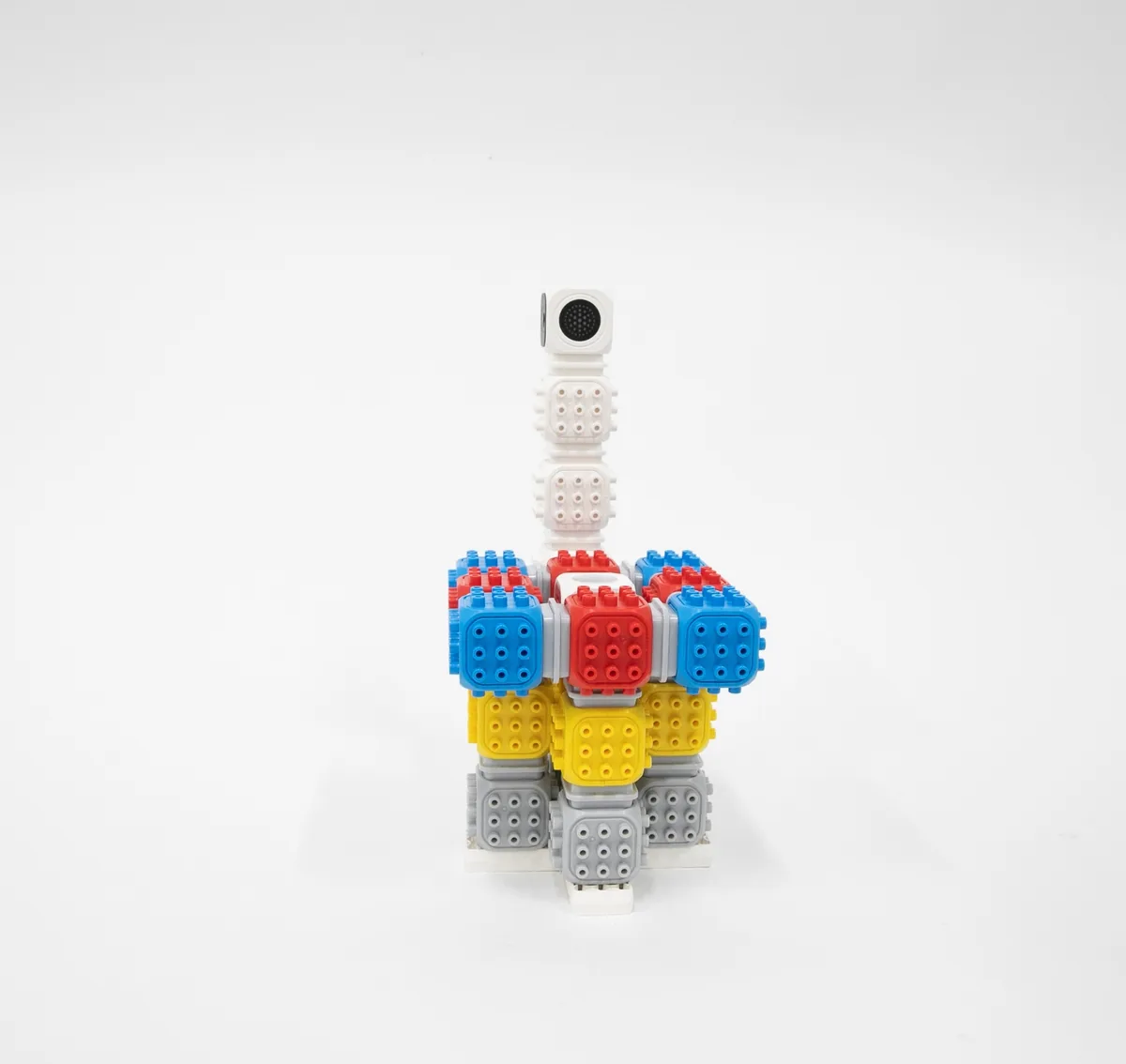
Build a quiz table whose light turns on when you press the touch button.
Build a quiz table whose light turns on when you press the touch button.
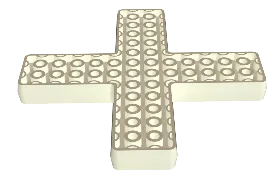
Blocks needed
- × 1
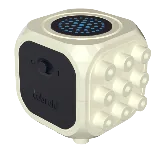
- × 1
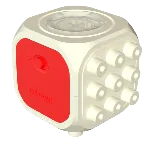
- × 12
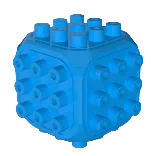
- × 17
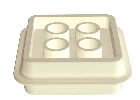
- × 1
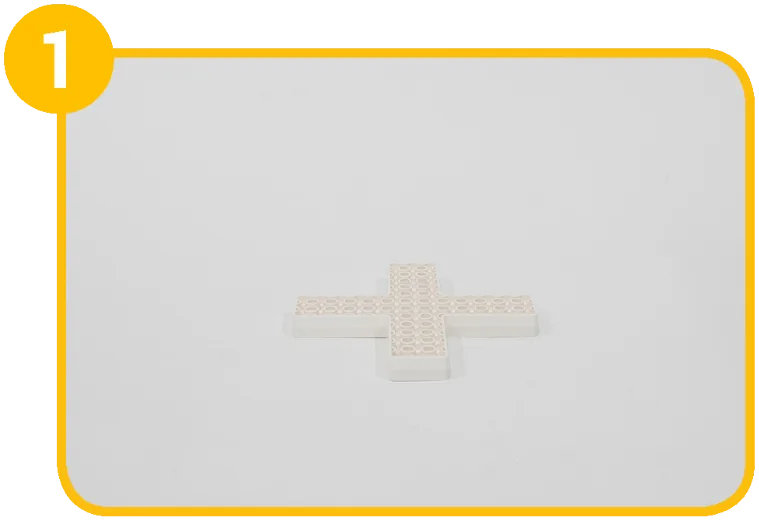
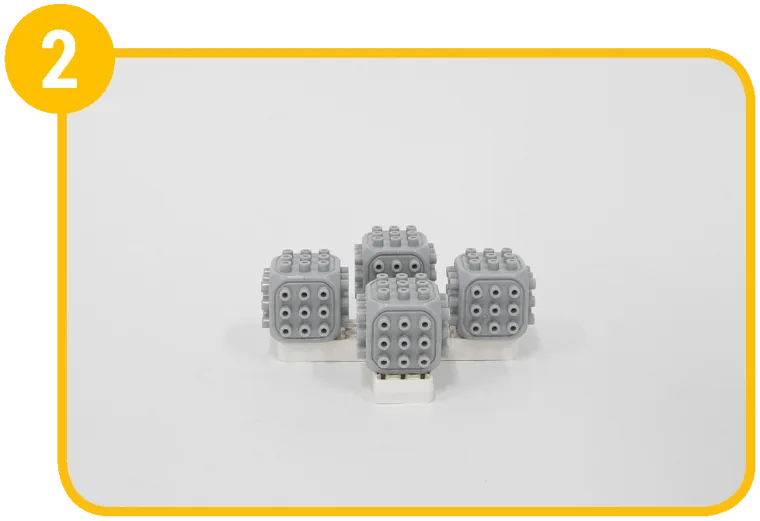
How to build 22 steps
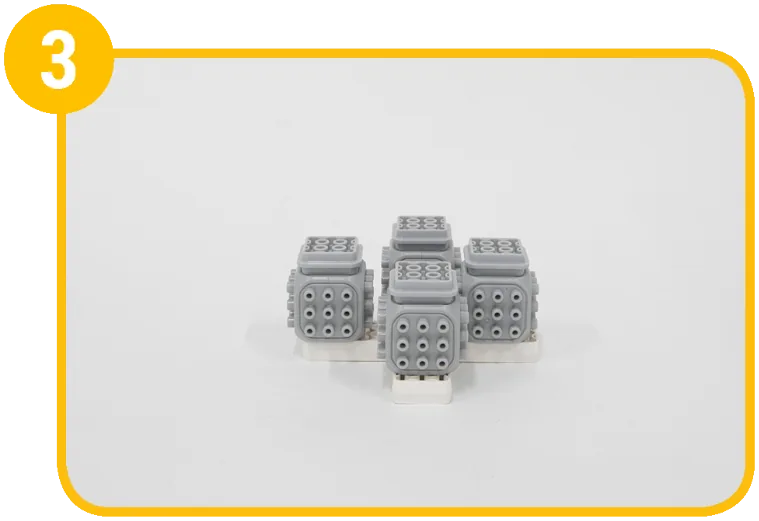
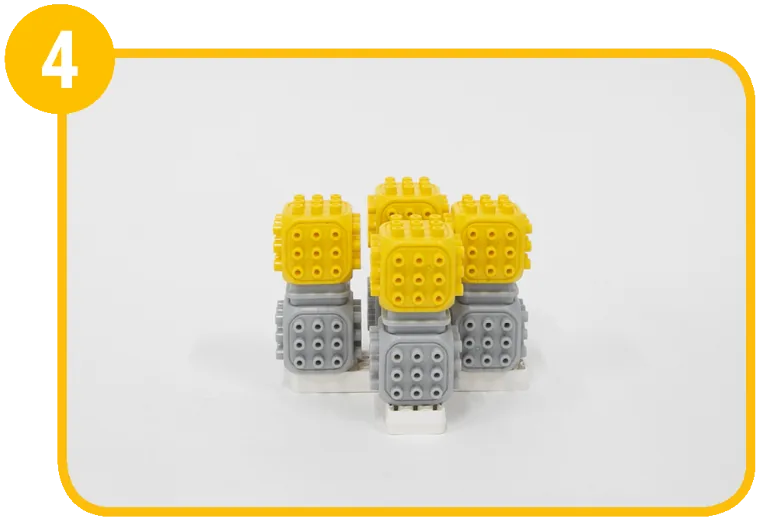
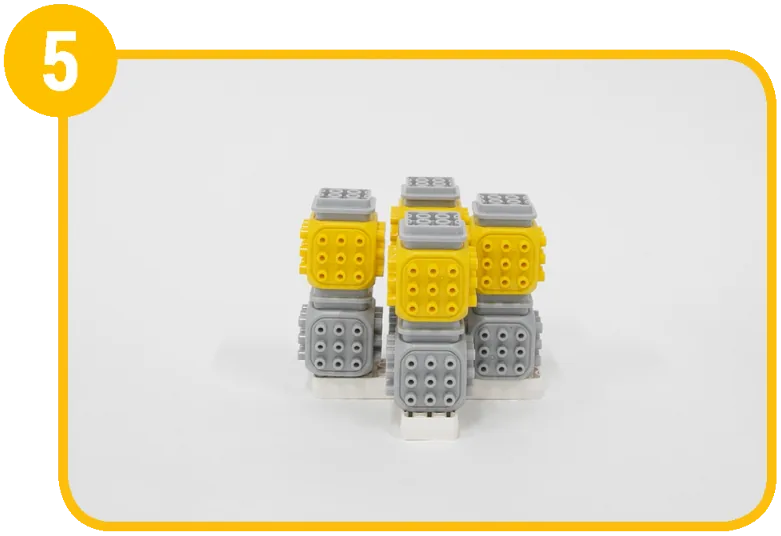
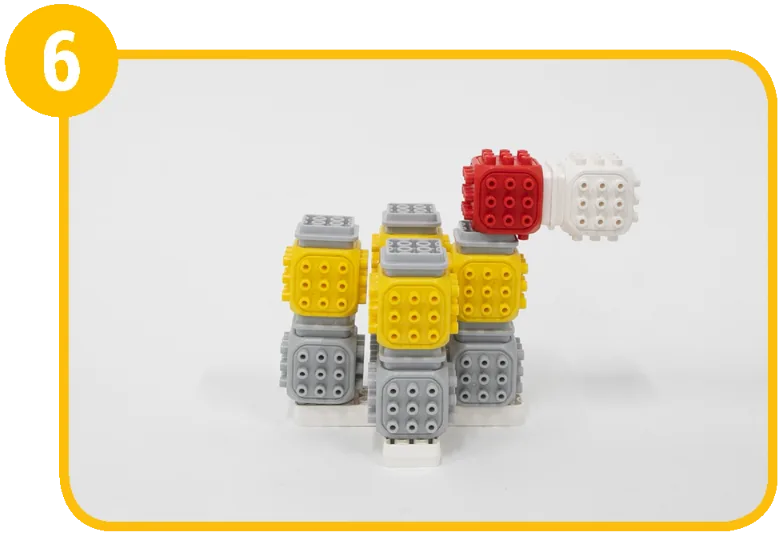
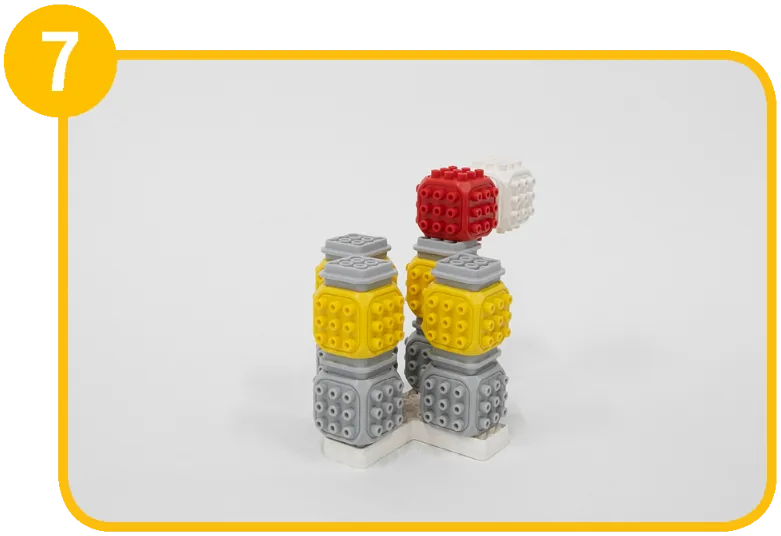
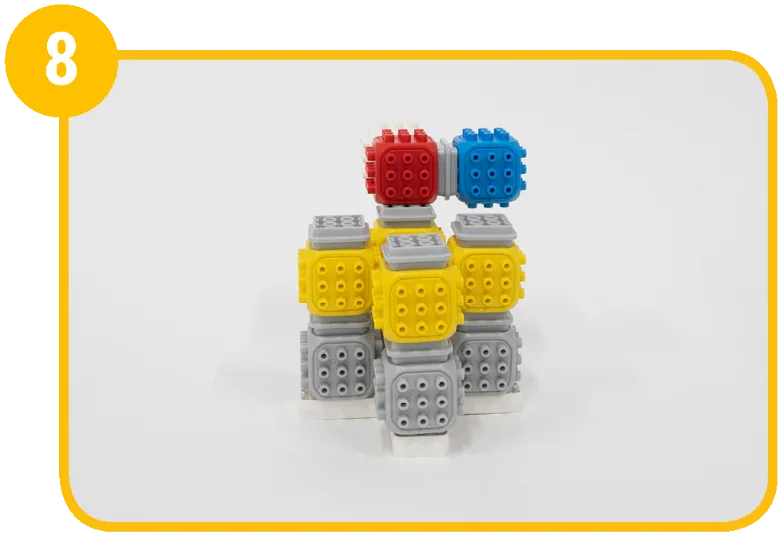
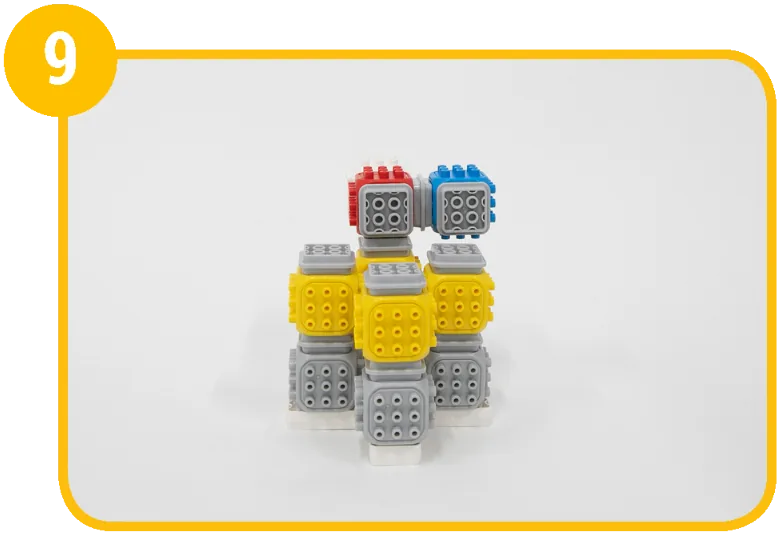
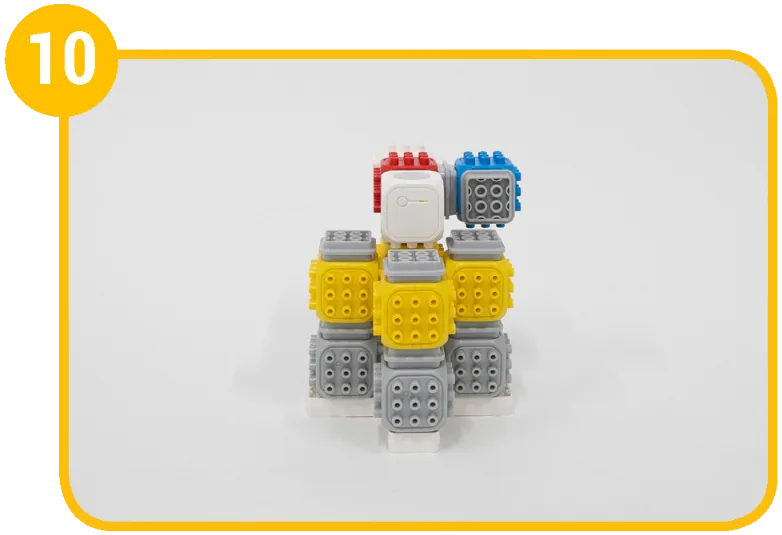
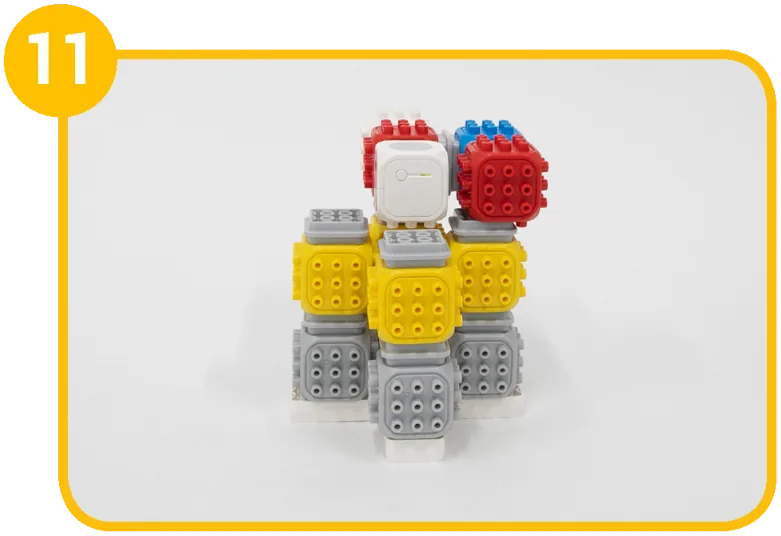
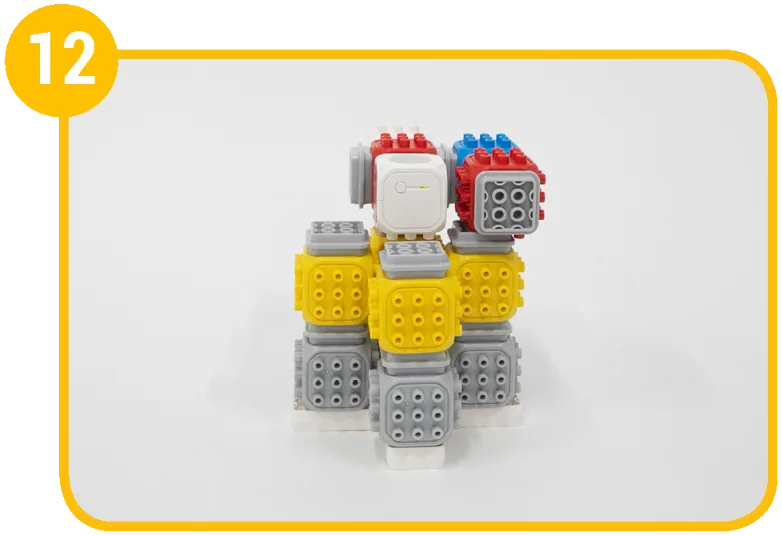
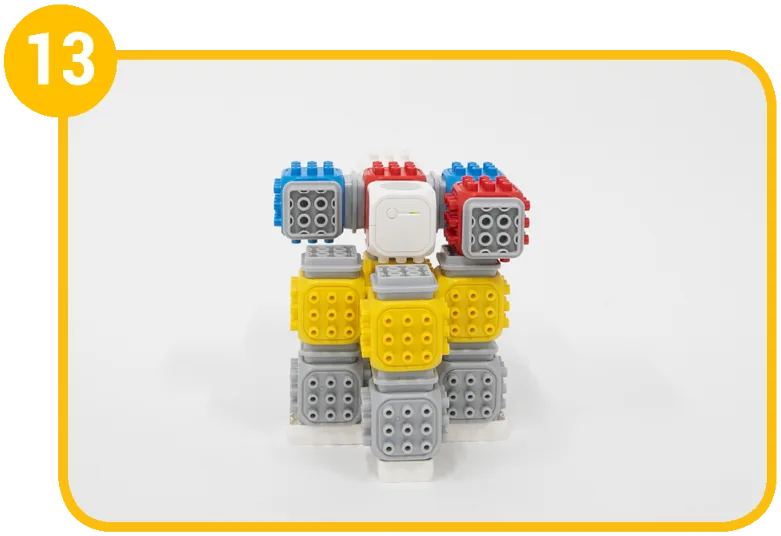
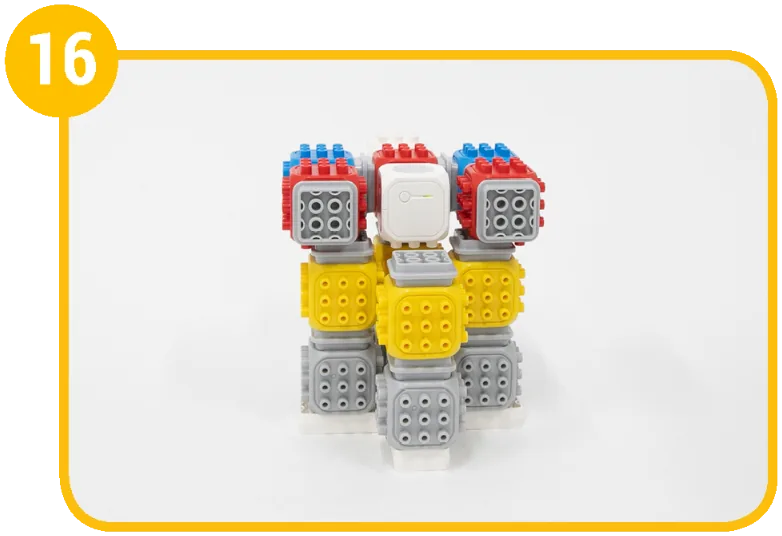
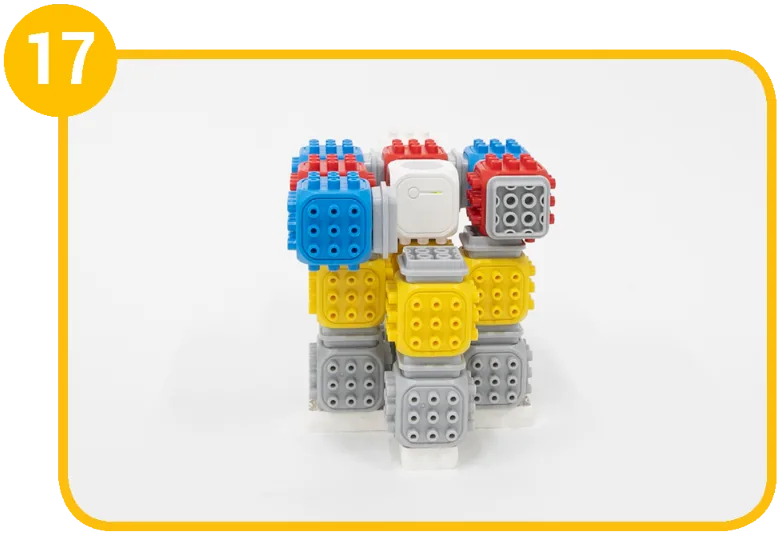
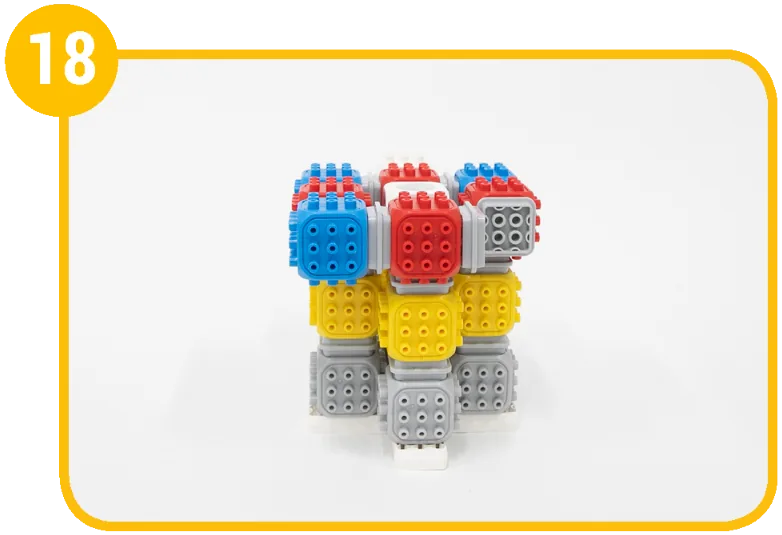
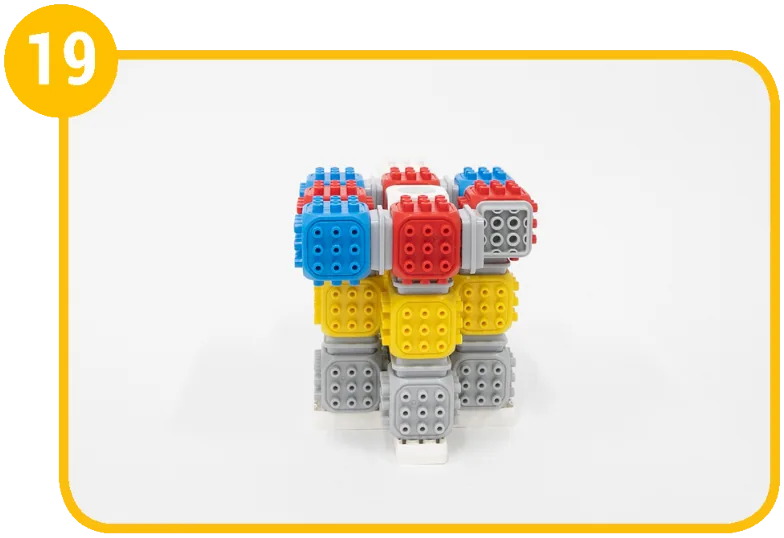
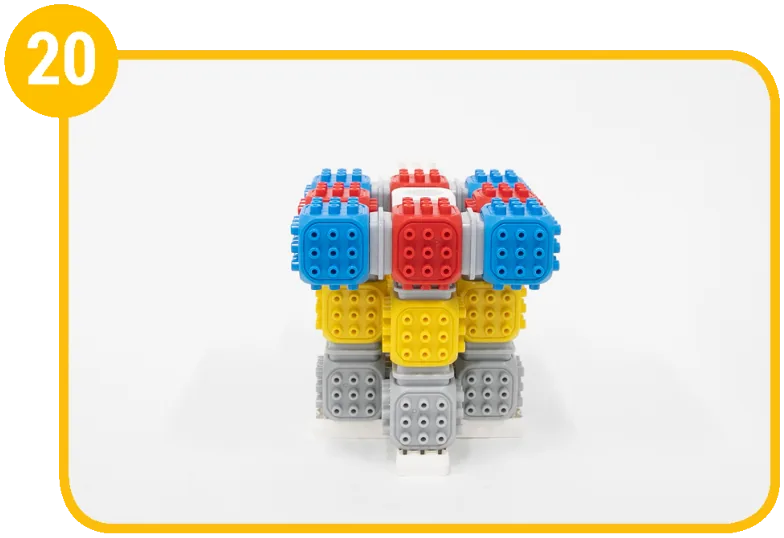
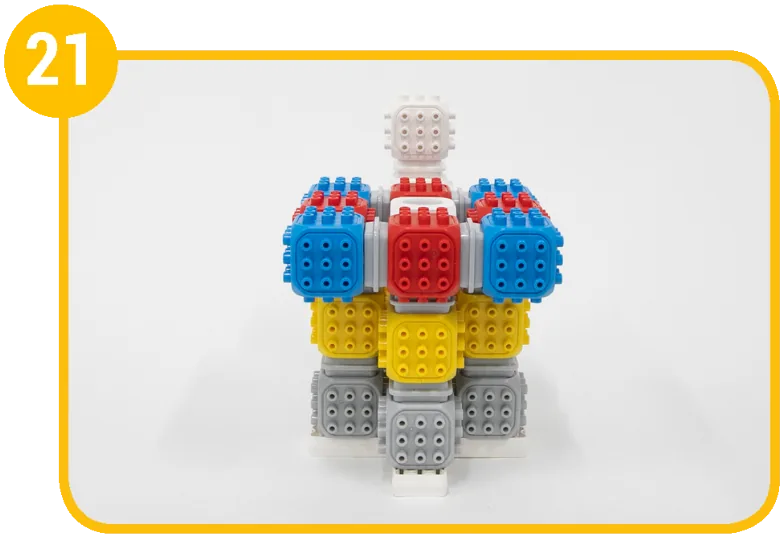
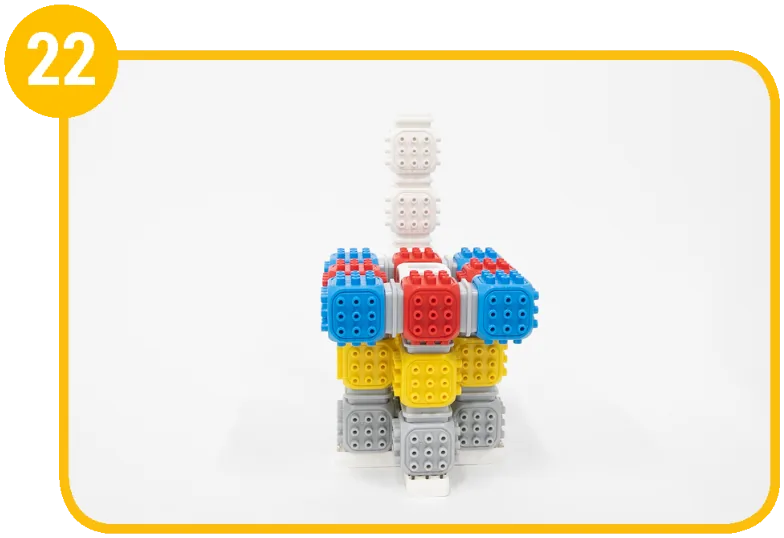
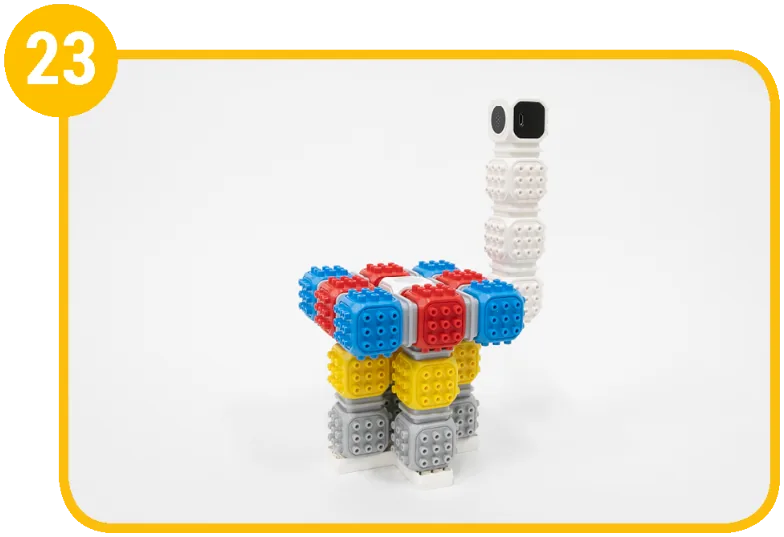
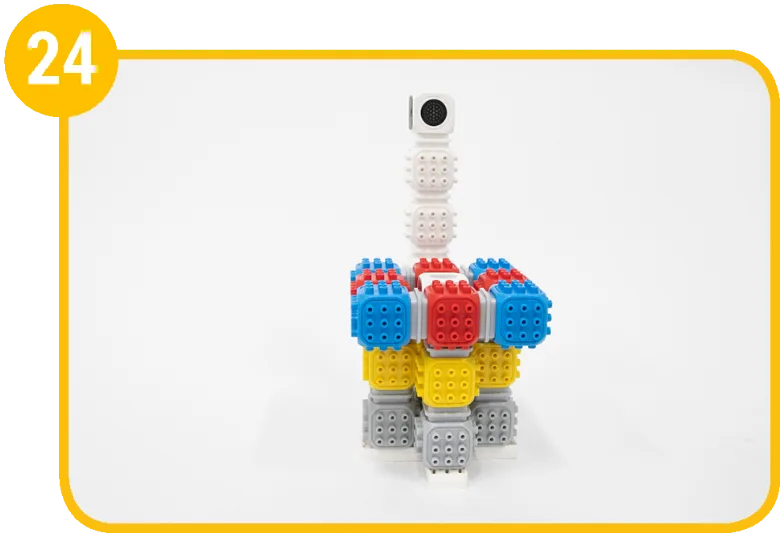
Coding mission
Let’s play a quiz show with friends! Press the touch sensor button first to get the red light and win the chance to answer.
Blocks and their jobs
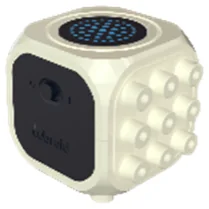 Master BlockDisplay light
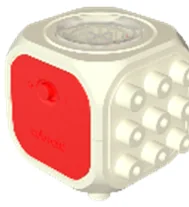 Touch Sensor BlockAnswer button
Let's think
In a conditional statement: Close Block vs Endless Loop Block
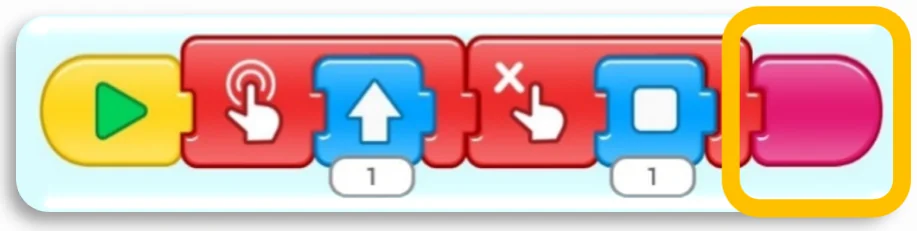
When the code starts, the sensor checks the condition once. If nothing is detected, the code just ends. (Each block runs for 1 second.)
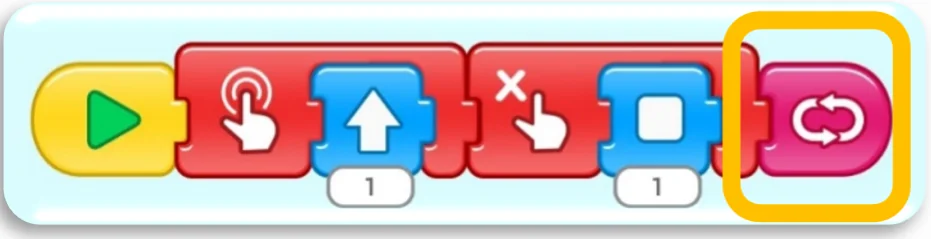
When the code starts, the sensor checks the condition. Even if nothing is detected, the code runs again from the start, so the sensor keeps checking.
Show the solution
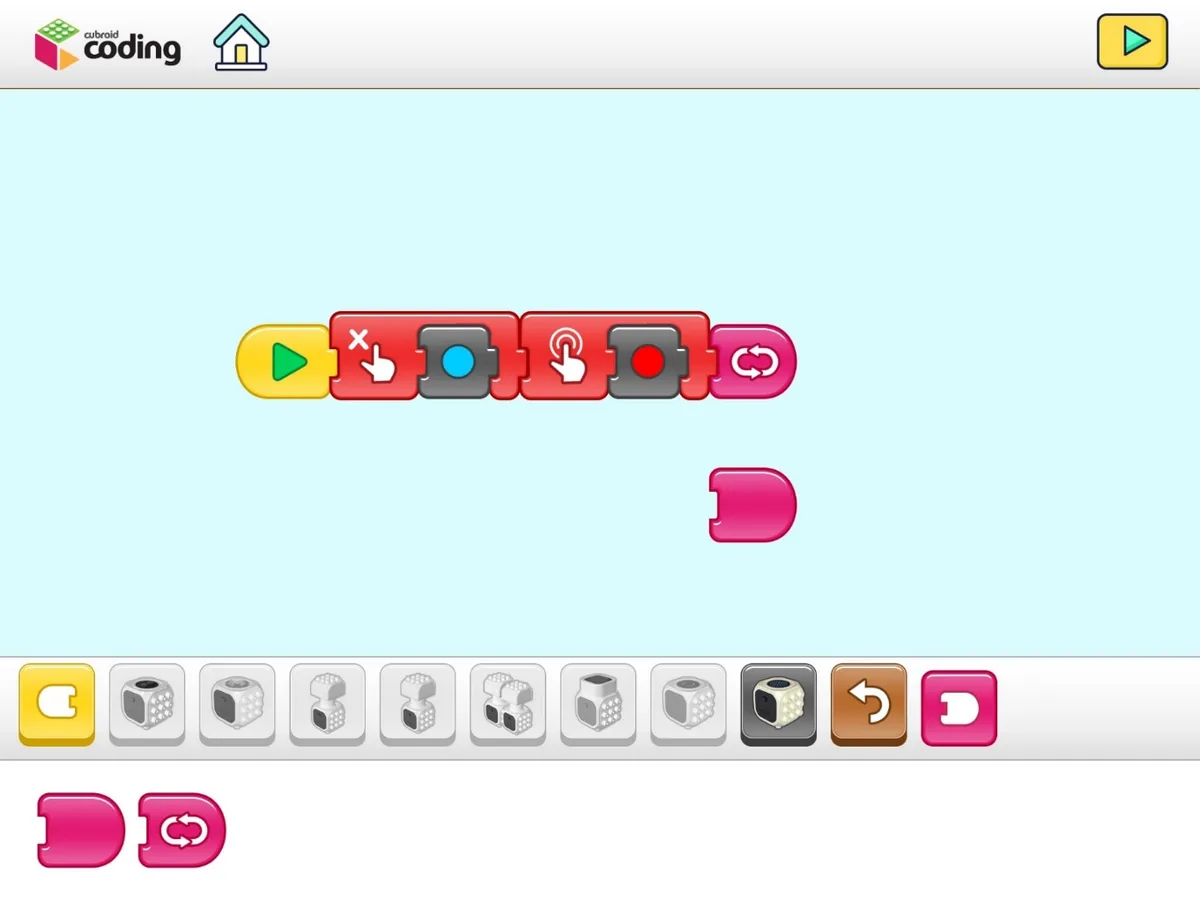
Don’t know the answer? Don’t press – the Master Block stays blue. Know the answer? Press the button – the Master Block turns red. The endless loop block keeps checking whether the button is pressed.
Mission complete!
Built it and coded it? Tap to save your progress.