
Ding-Dong! Who’s There?
Ding-dong! Press the bell and it rings!
Mission
Build a doorbell that rings when you press it.
Step 1: Code the doorbell to play “Sol, Mi” when you press it. Step 2: Code it so that “Do” keeps repeating while nobody presses the doorbell, and “Twinkle, Twinkle, Little Star” plays when it is pressed.
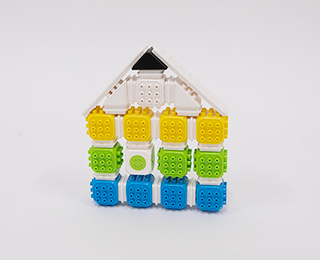
Blocks needed
- × 1
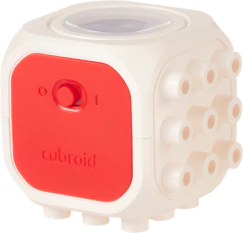
- × 1
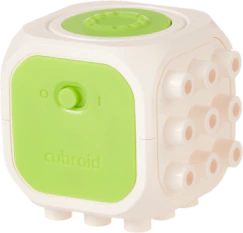
- × 12
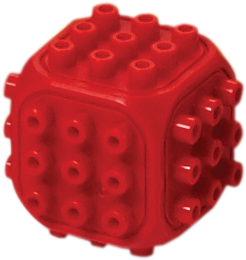
- × 17
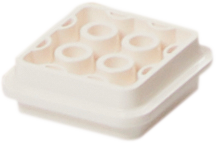
- × 3
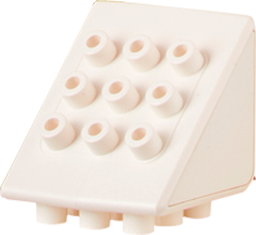
- × 2

How to build 14 steps
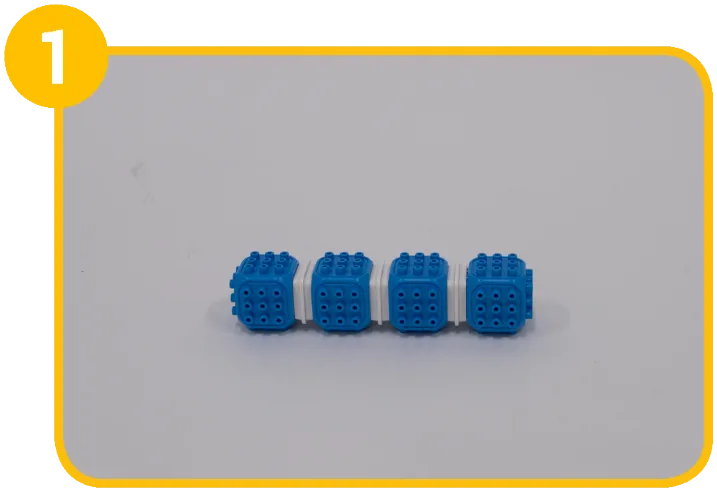
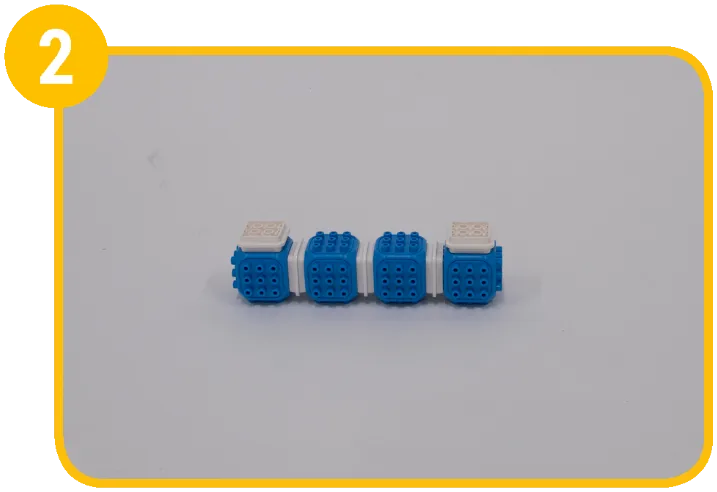
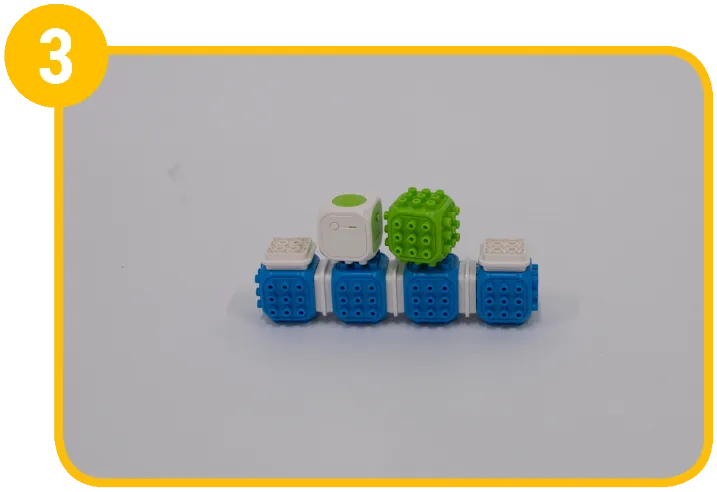
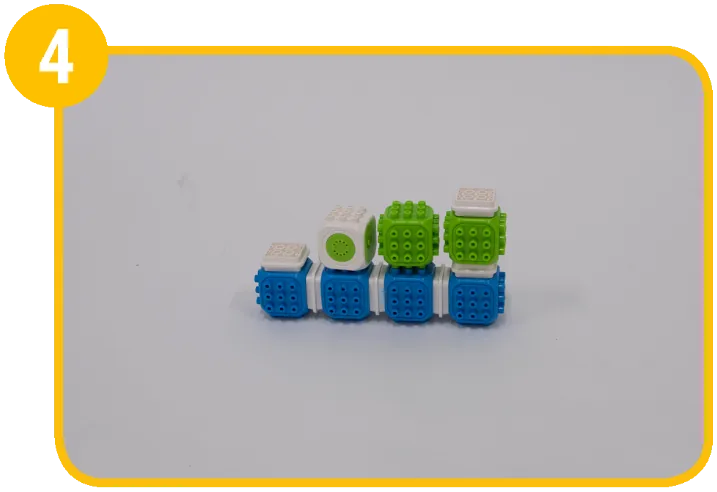
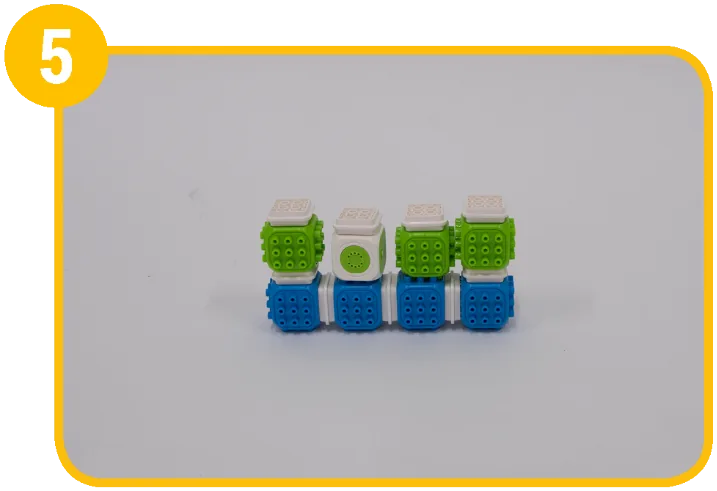
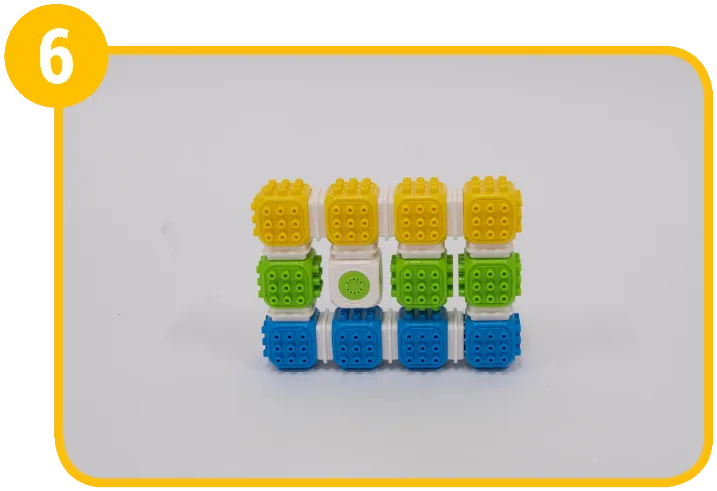
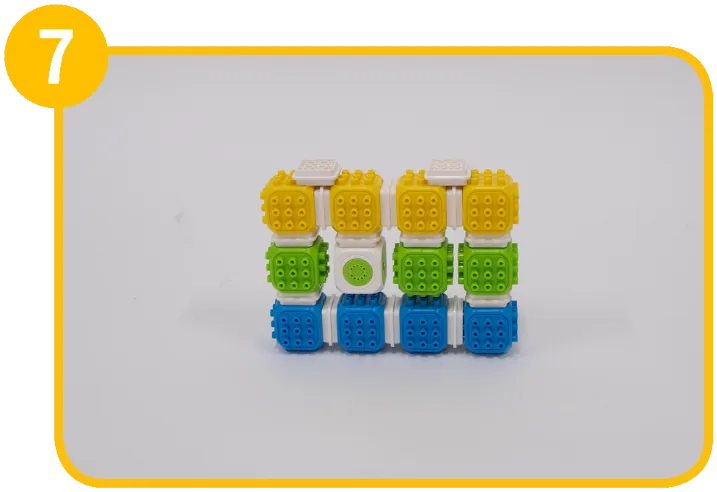
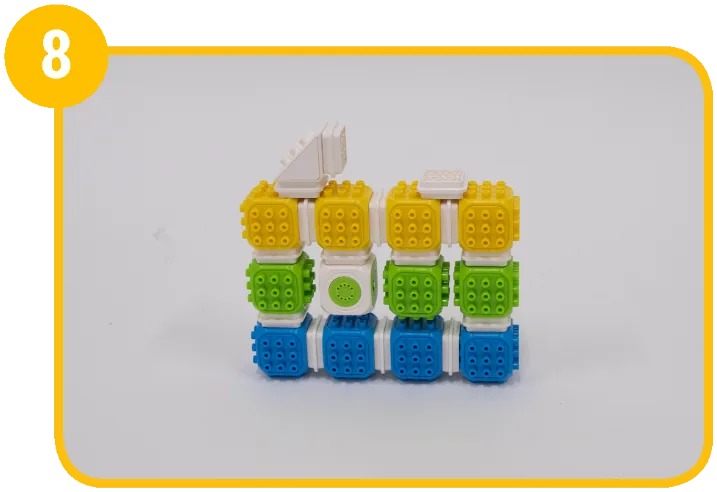
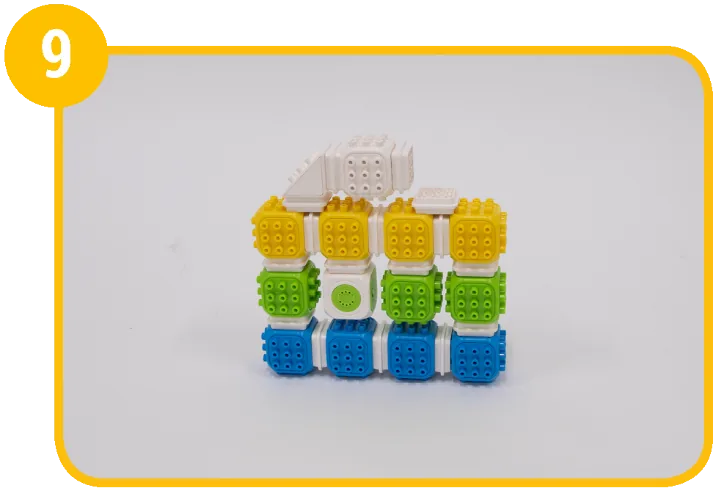
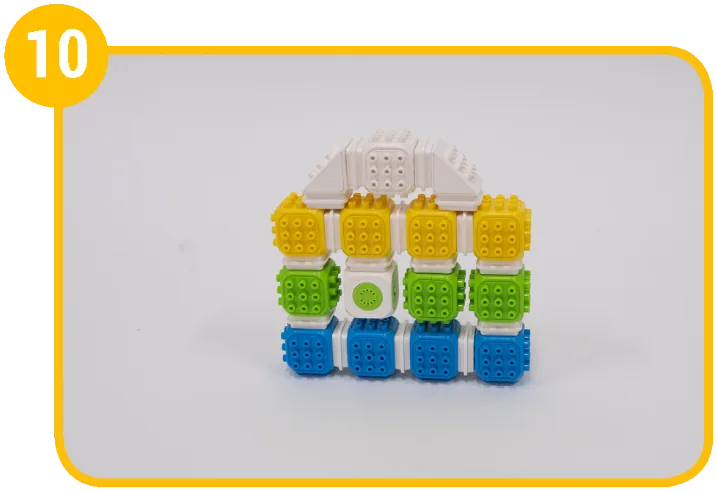
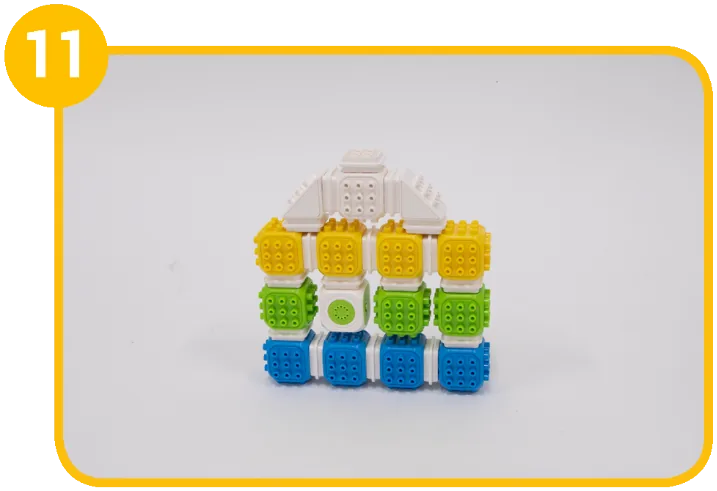
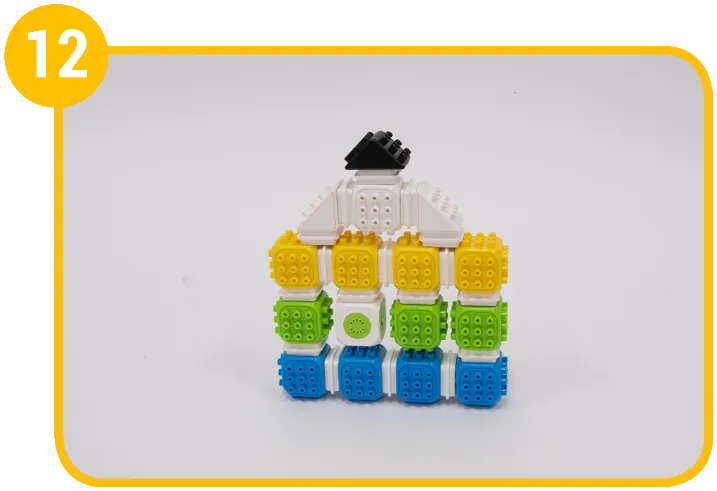
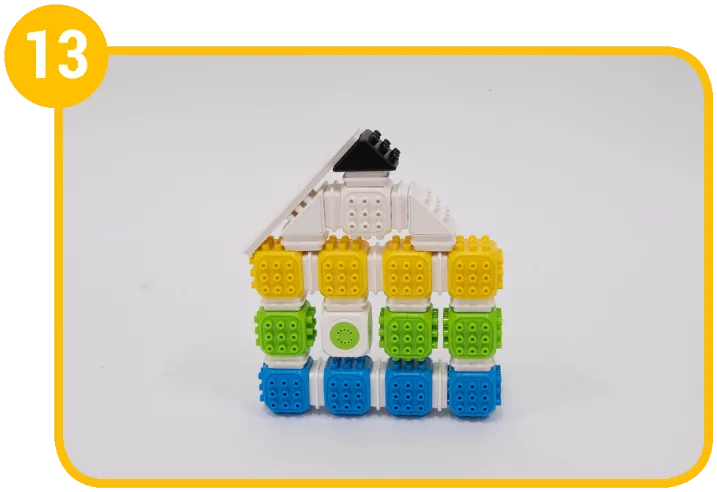
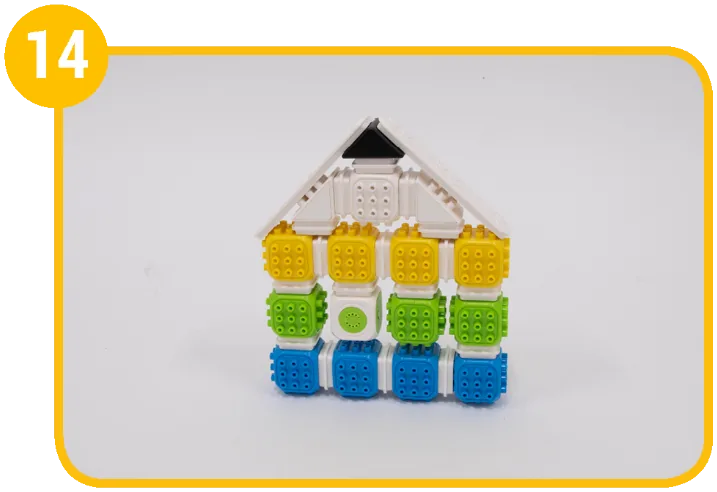
Coding mission
Step 1: Code the doorbell to play “Sol, Mi” when you press it. Step 2: Code it so that “Do” keeps repeating while nobody presses the doorbell, and “Twinkle, Twinkle, Little Star” plays when it is pressed.

What each block does
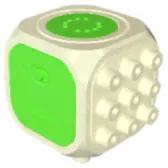 Sound BlockDoorbell sound
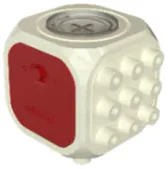 Touch Sensor BlockDoorbell button
Let's think
Use conditional statements with the Touch Sensor Block.

Put inside the commands to run when the touch sensor is pushed.

Put inside the commands to run when the button is not pushed.
Learn the notes of the Sound Block.

Show the solution
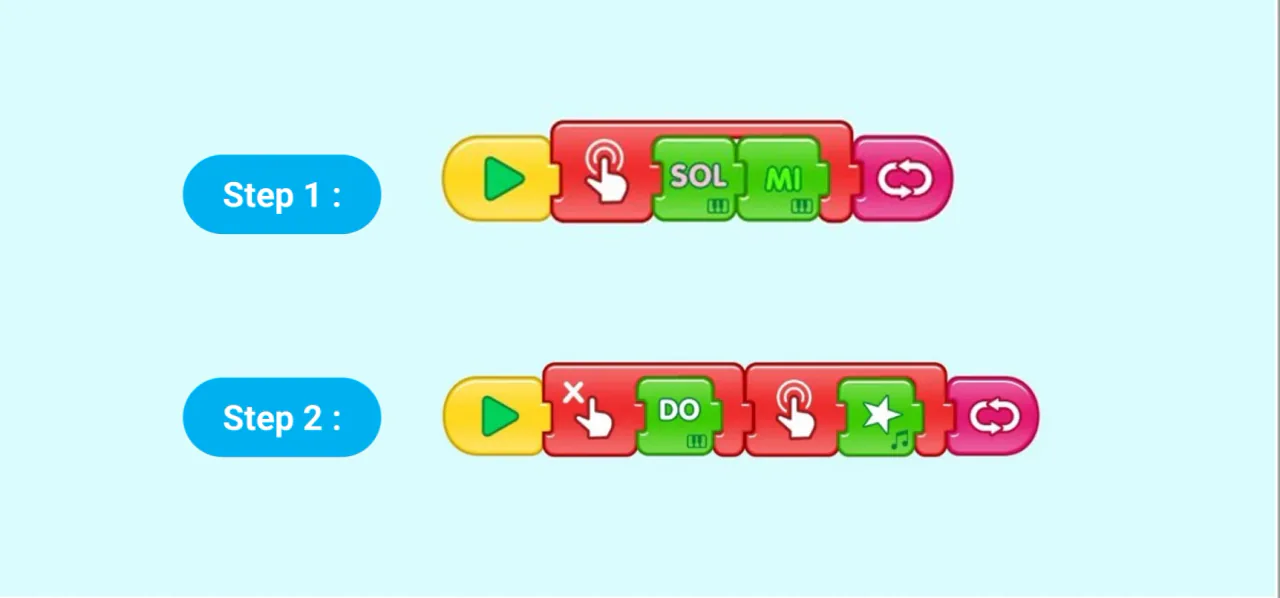
When you press the touch sensor block, the sound block plays “Sol, Mi.” Try different notes to make your own doorbell sound.
Built it and coded it? Tap to save your progress.