
Spinning Fan
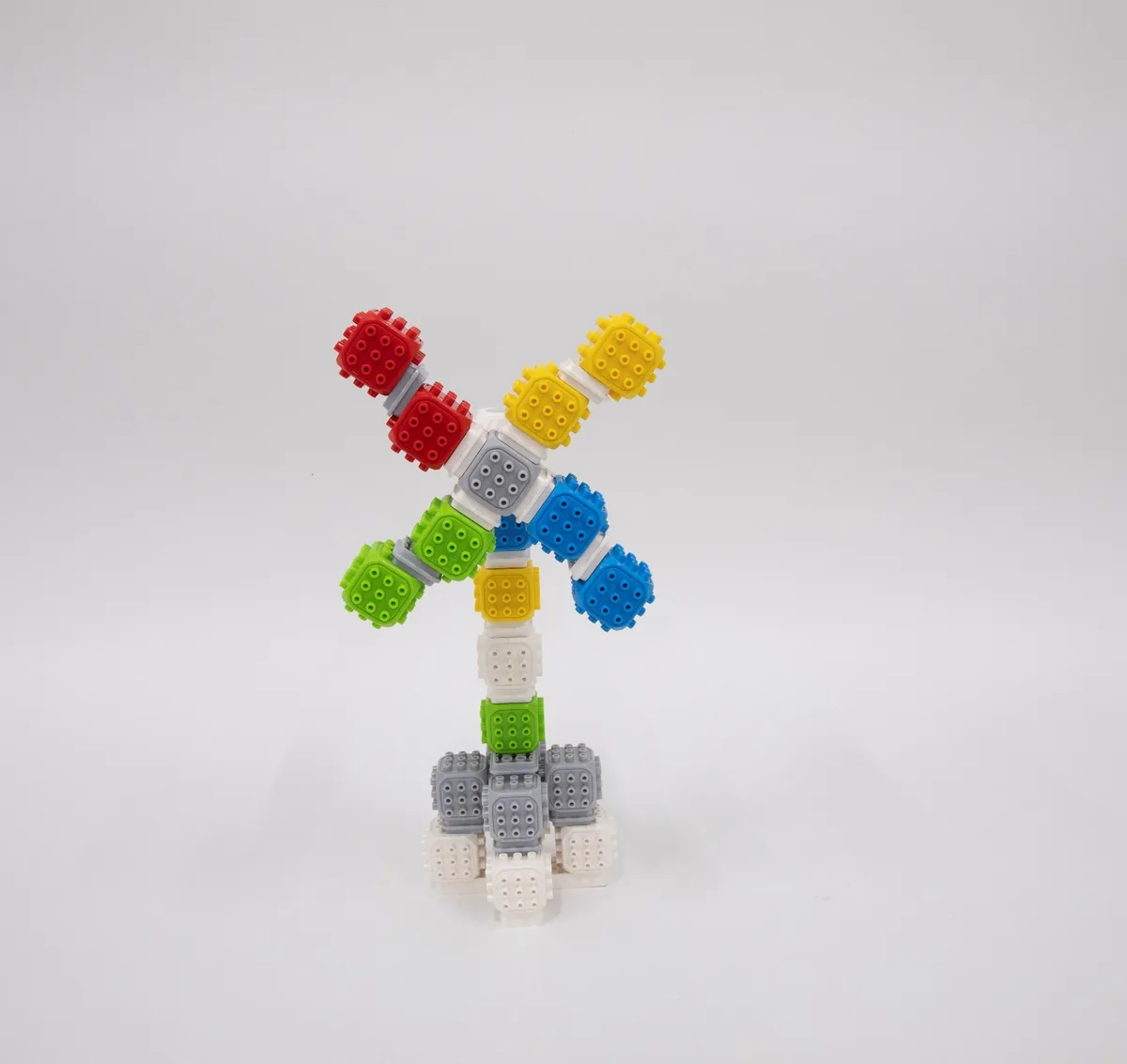
Let’s build a fan that keeps us cool.
Build a fan that spins.
Blocks needed
- × 1
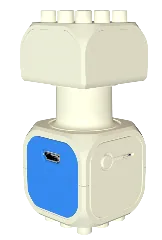
- × 1
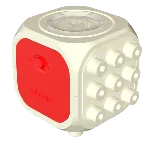
- × 21
- × 19
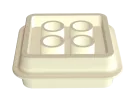
- × 2
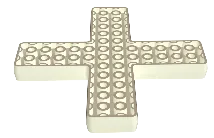
- × 1
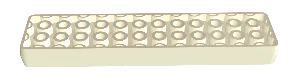
How to build 21 steps
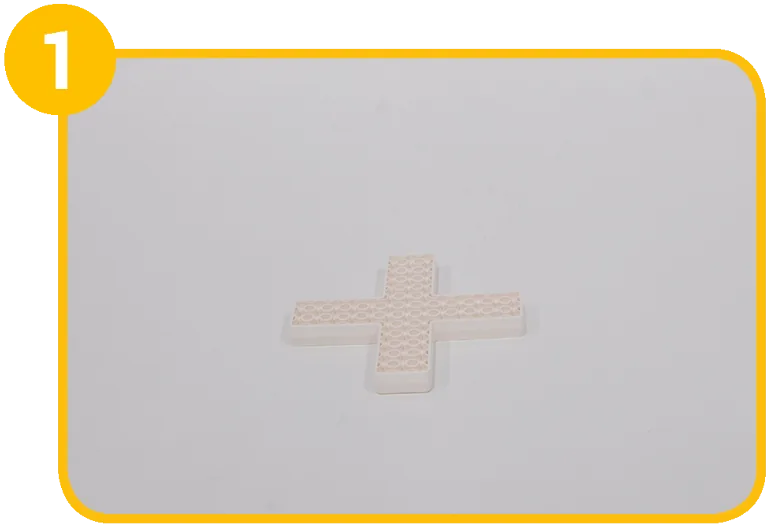
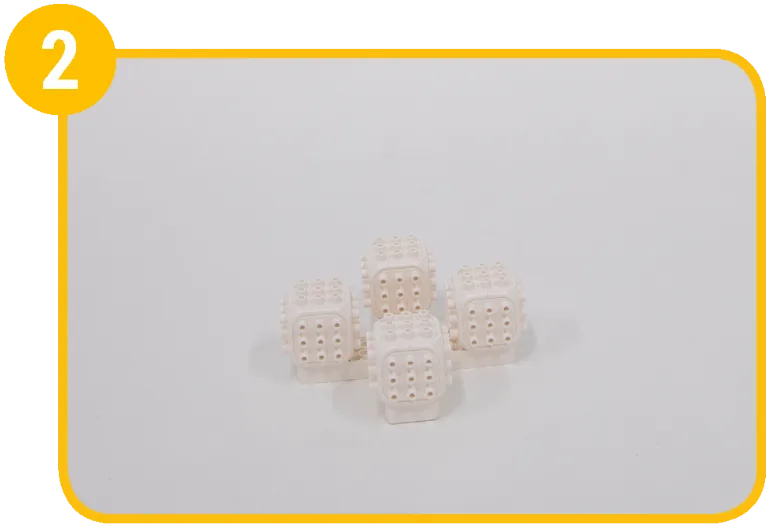
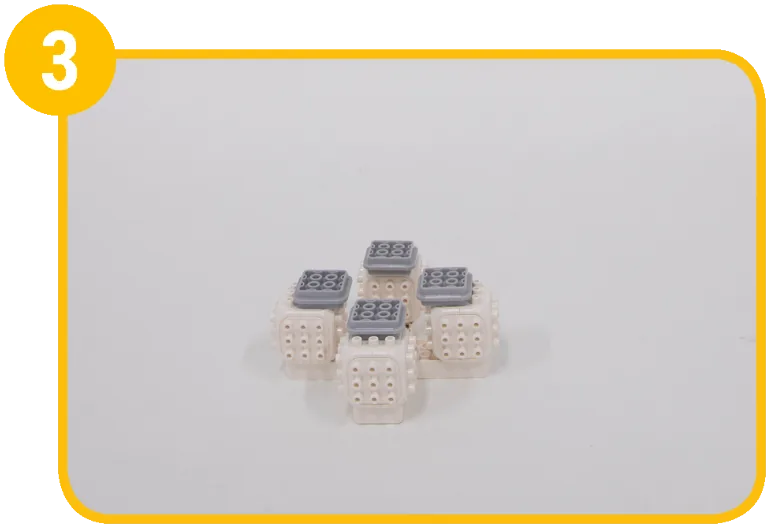
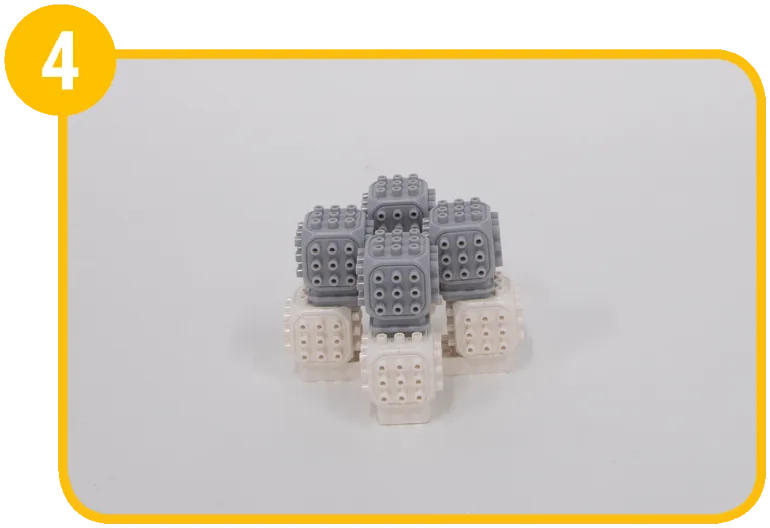
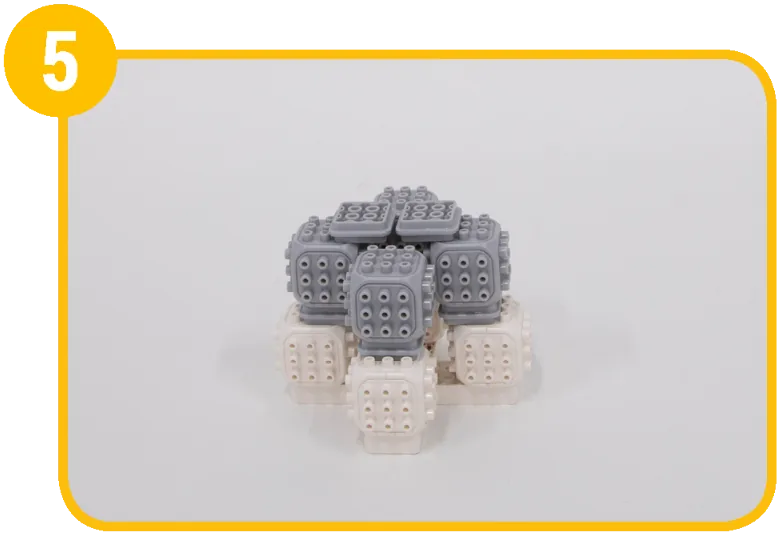
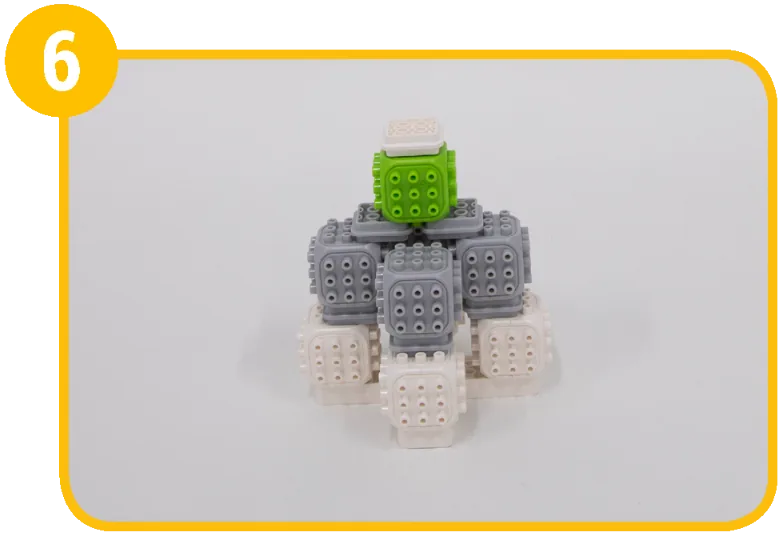
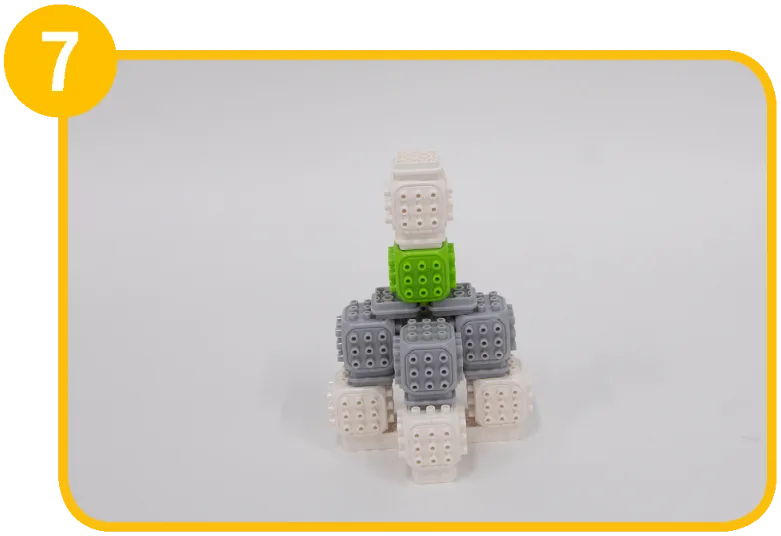
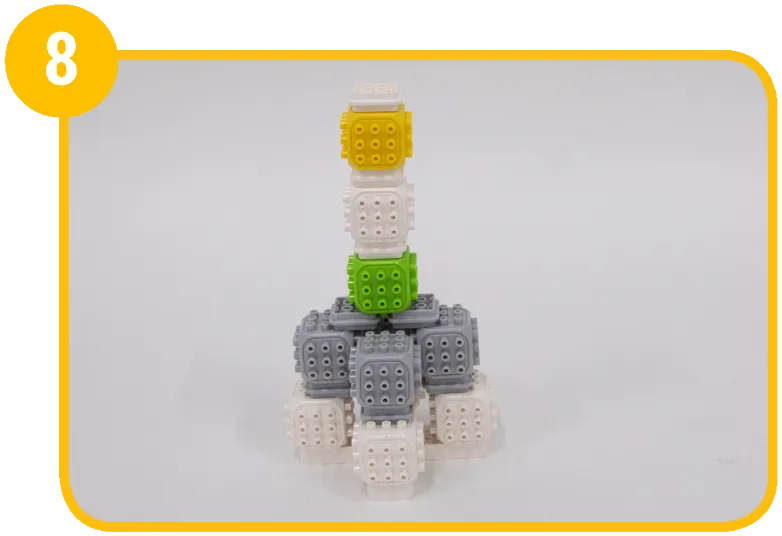
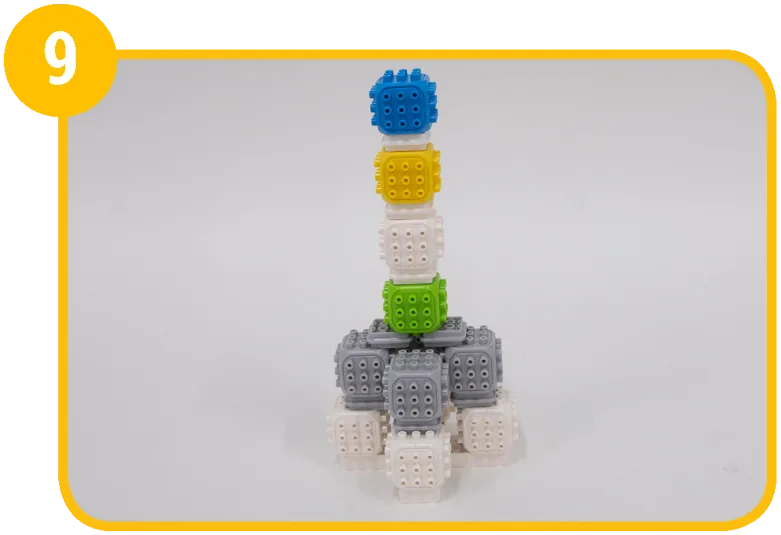
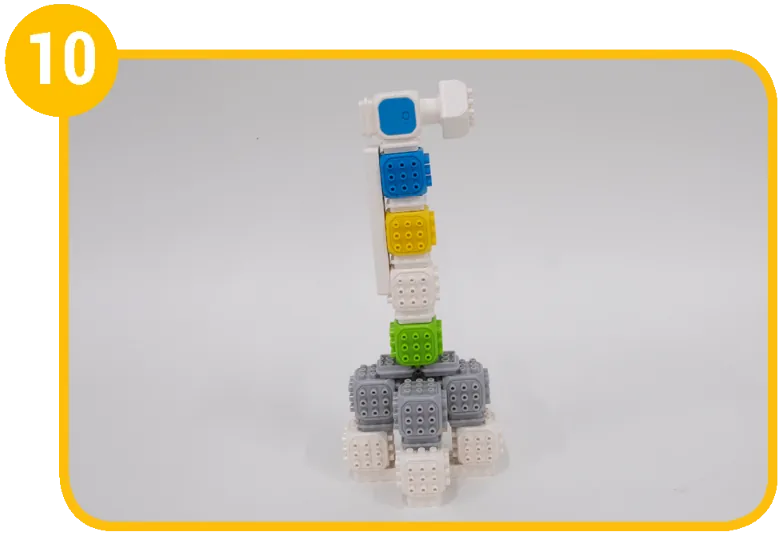
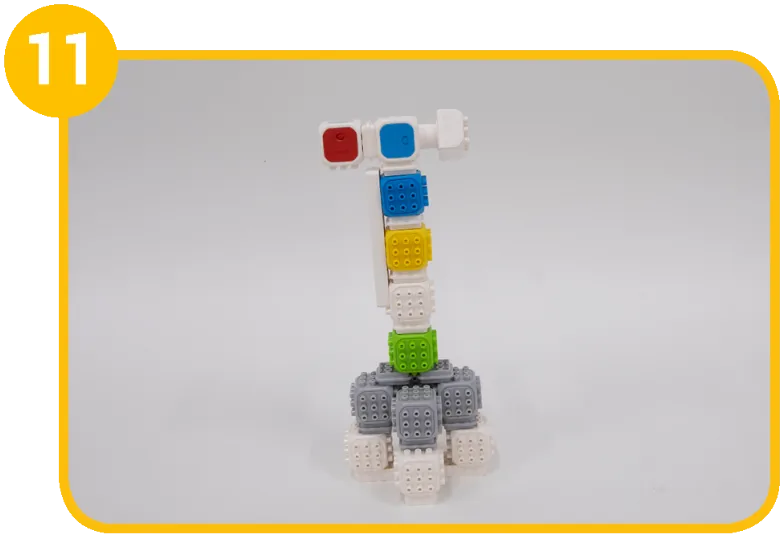
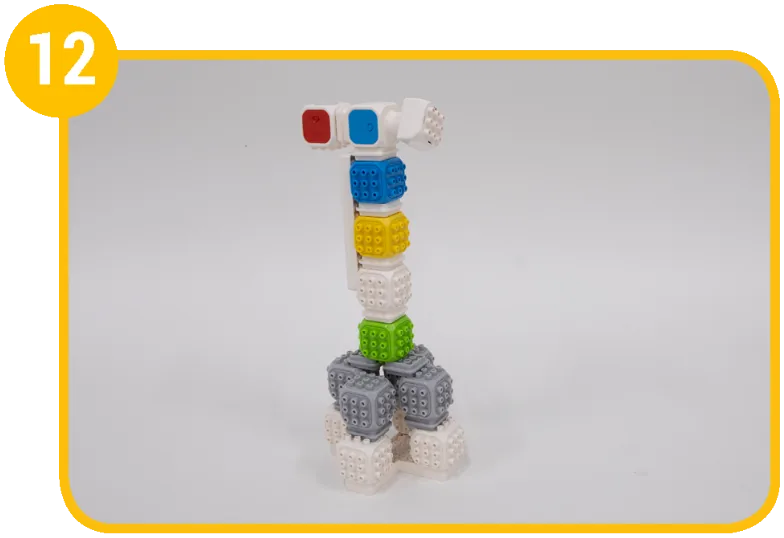
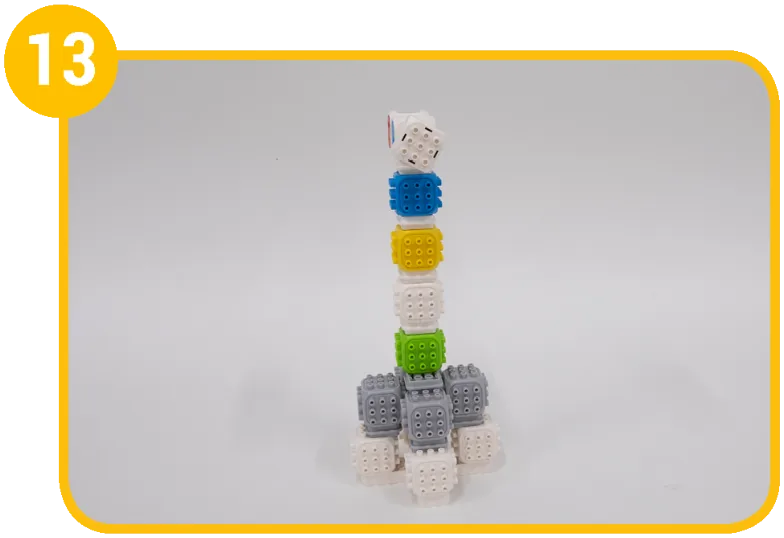
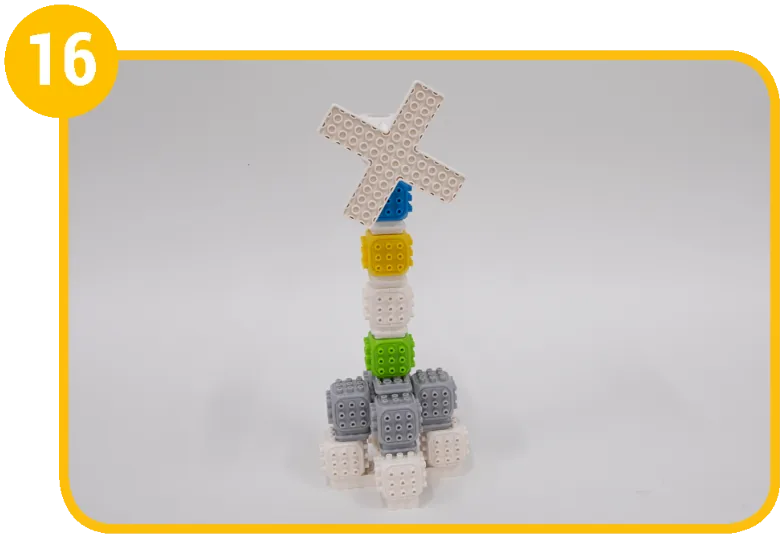
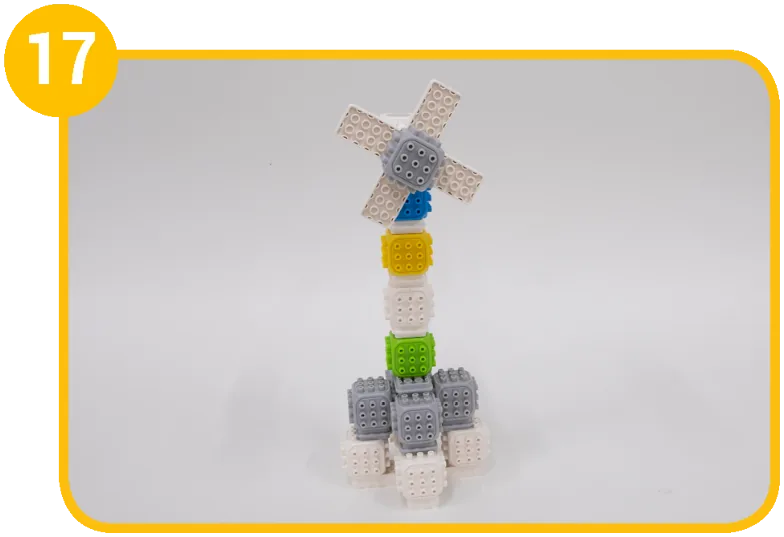
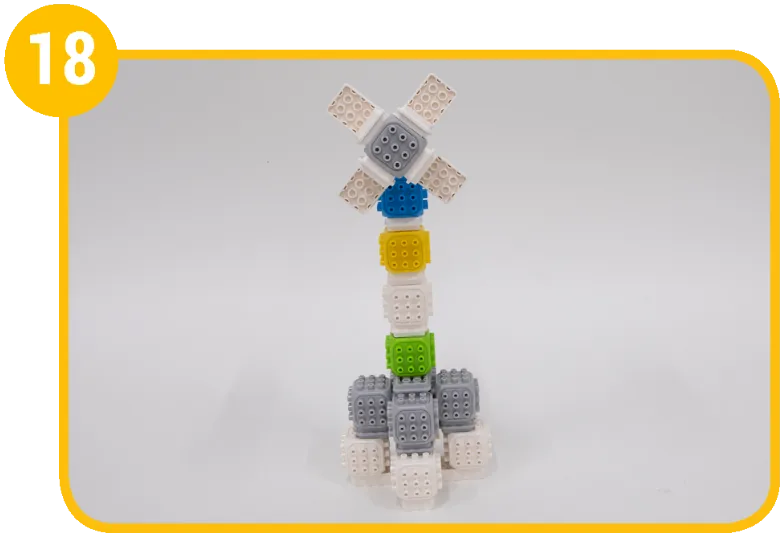
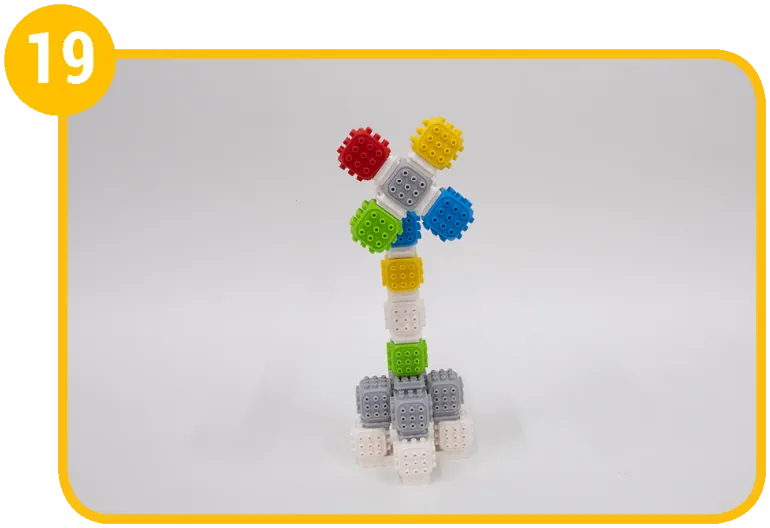
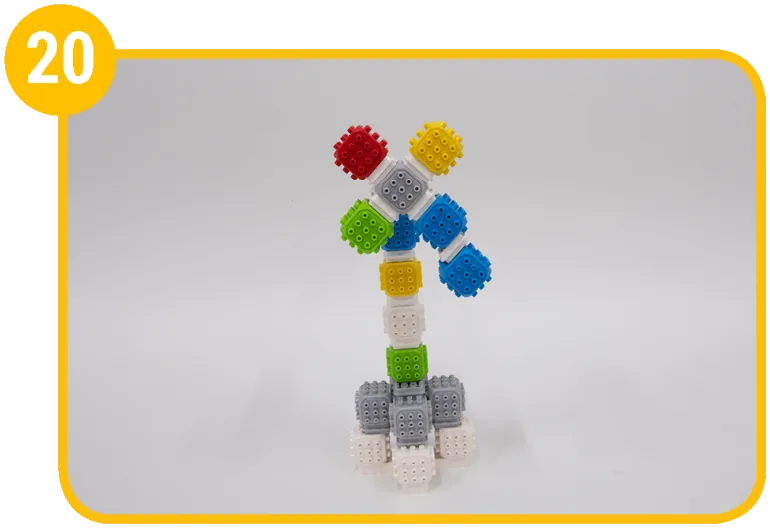
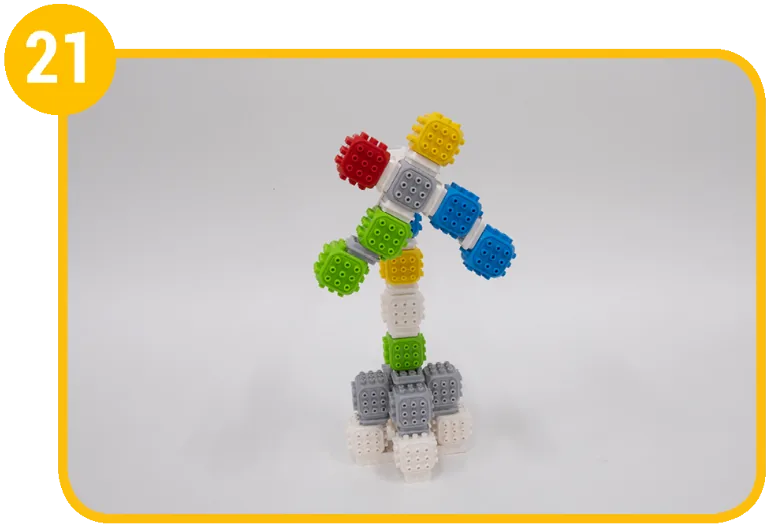
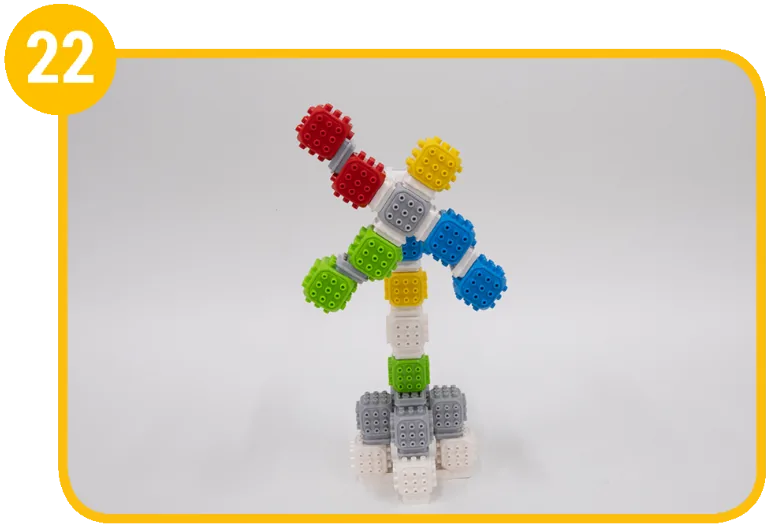
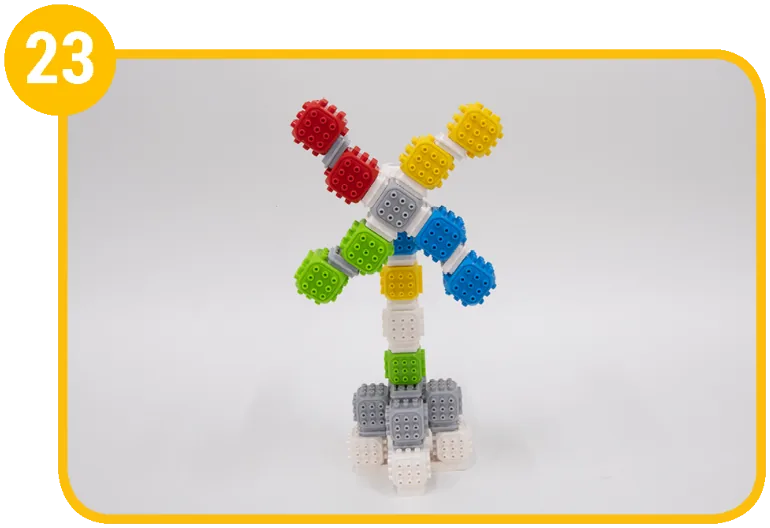
1 / 21
Coding mission
Think about how a fan moves. Code the fan to start spinning when you press the button.

Blocks and their jobs
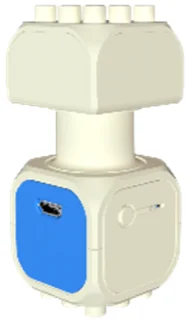 DC Motor BlockFan blades
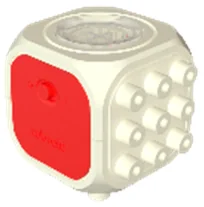 Touch Sensor BlockFan button
Let's think
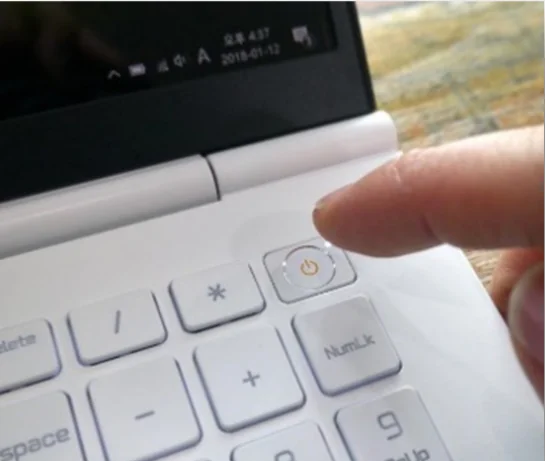
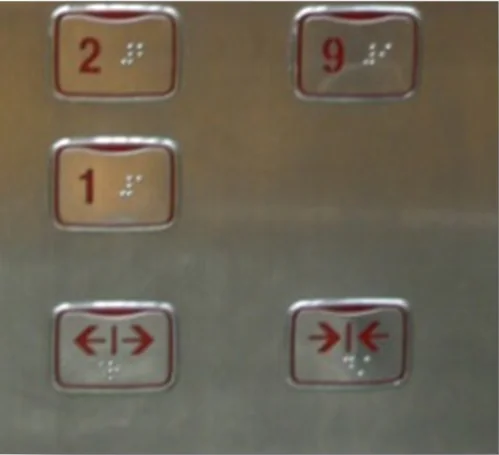
Think about machines around us that work when you push a button, and talk about how they work.

Show the solution
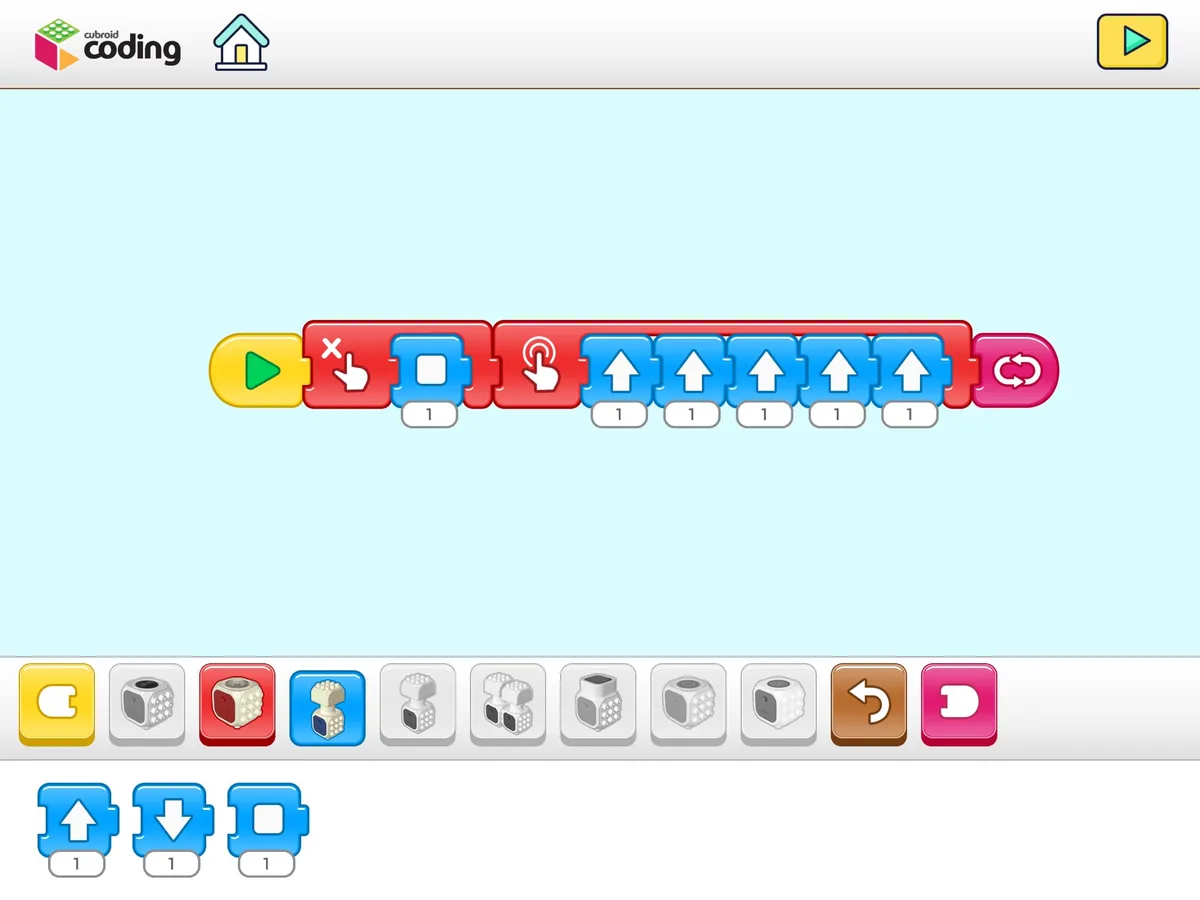
While the touch sensor block isn’t pressed, the DC motor block stays still. When you press the button once, the motor turns counterclockwise five times and stops.
Mission complete!
Built it and coded it? Tap to save your progress.