
Smart Ukulele
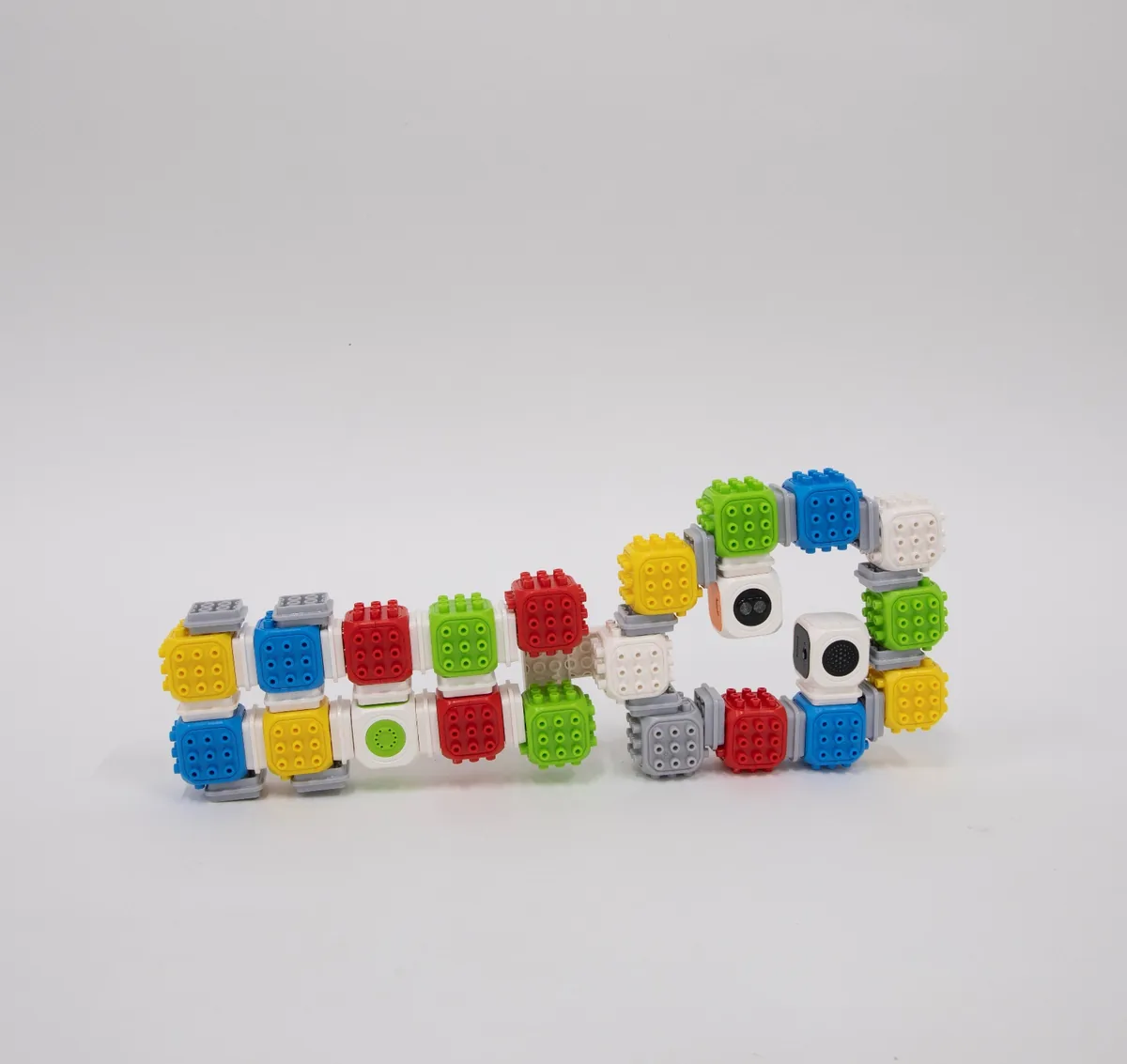
Build a ukulele that plays music by itself when you touch it.
Build a ukulele that plays by itself.
Blocks needed
- × 1
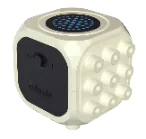
- × 1
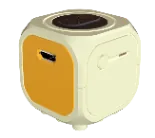
- × 1
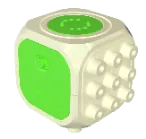
- × 19

- × 28
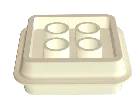
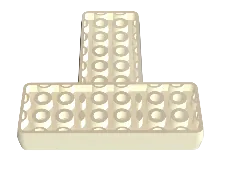
- × 2
How to build 21 steps
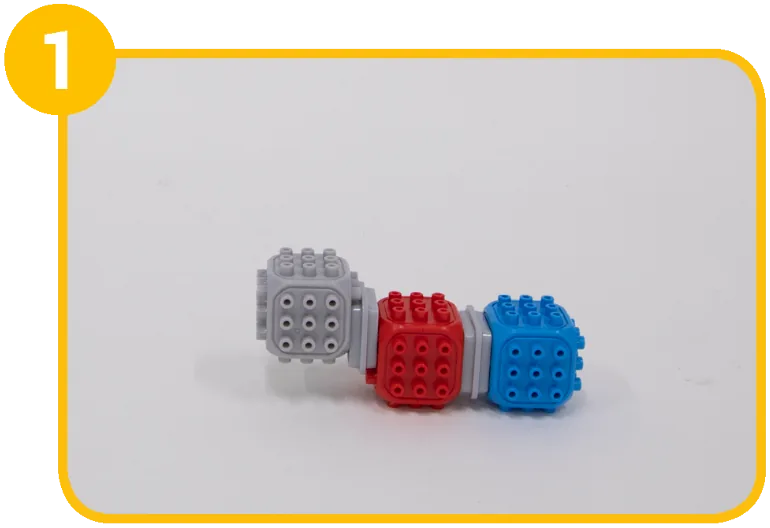
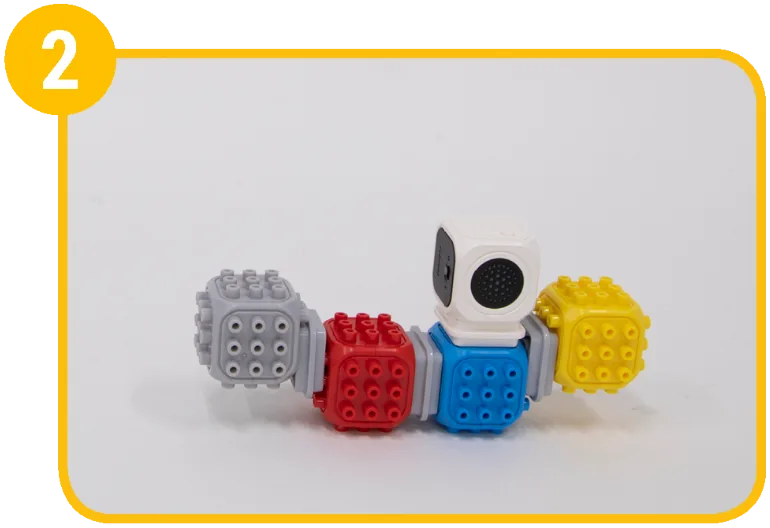
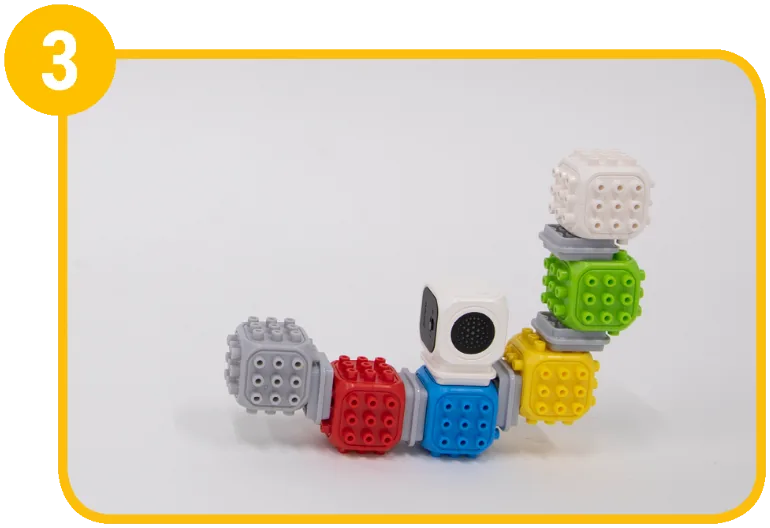
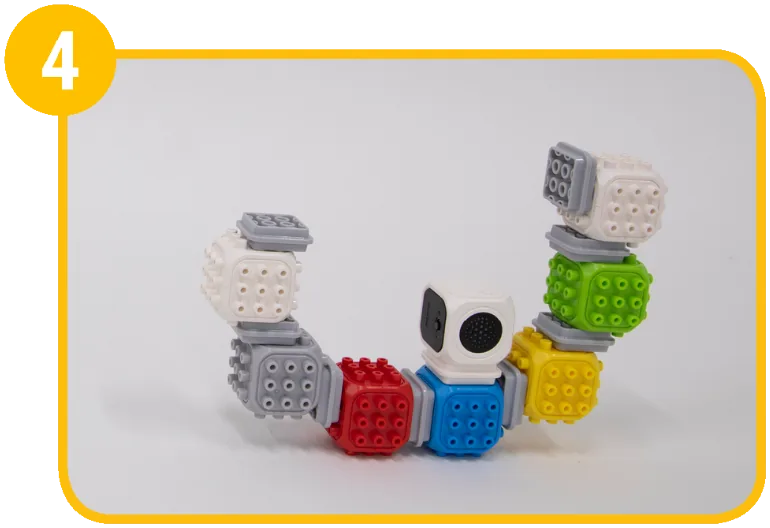
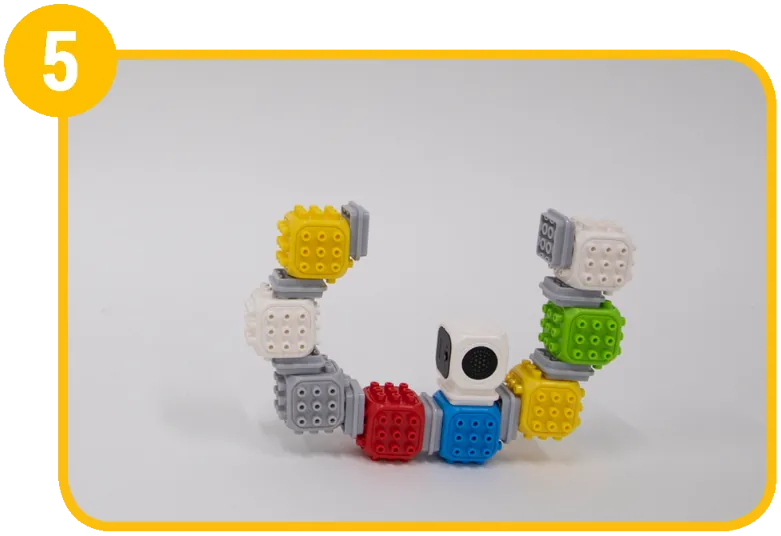
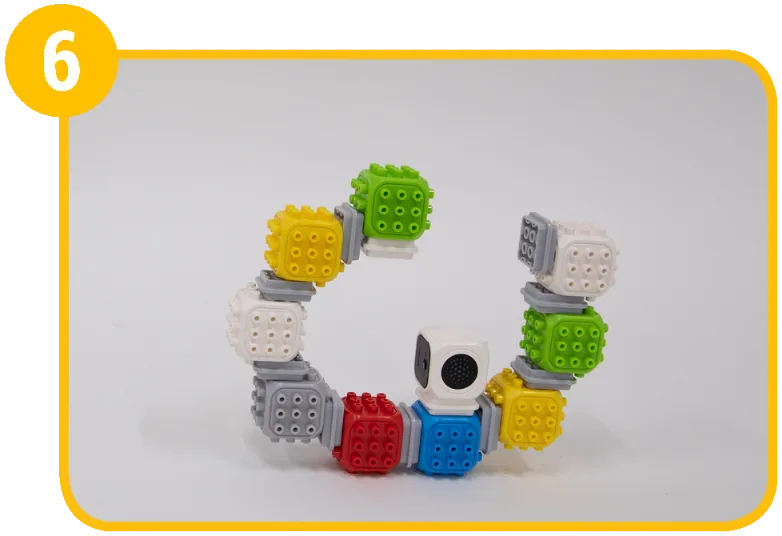
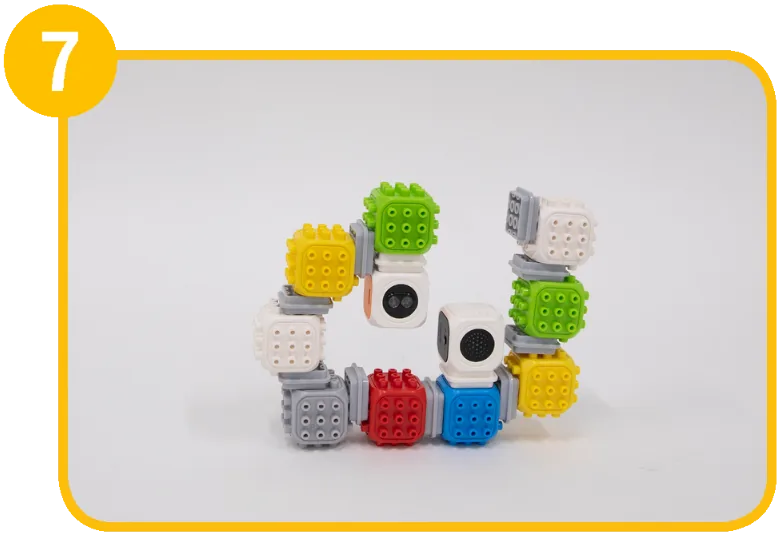
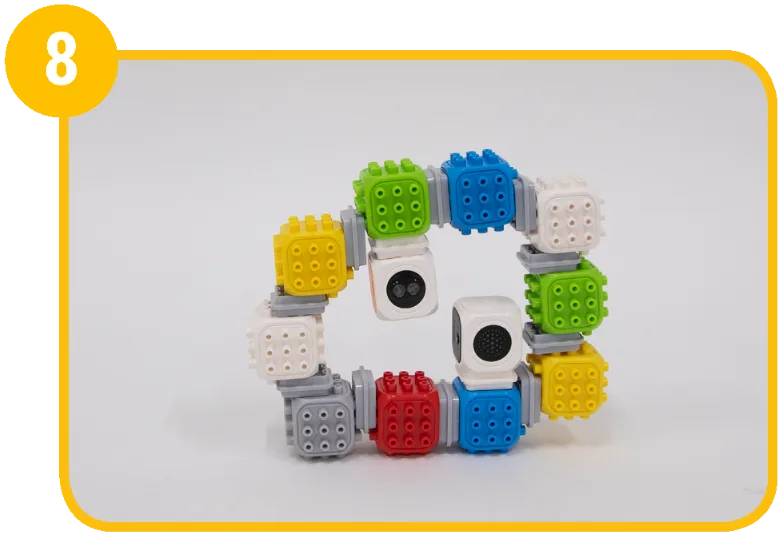
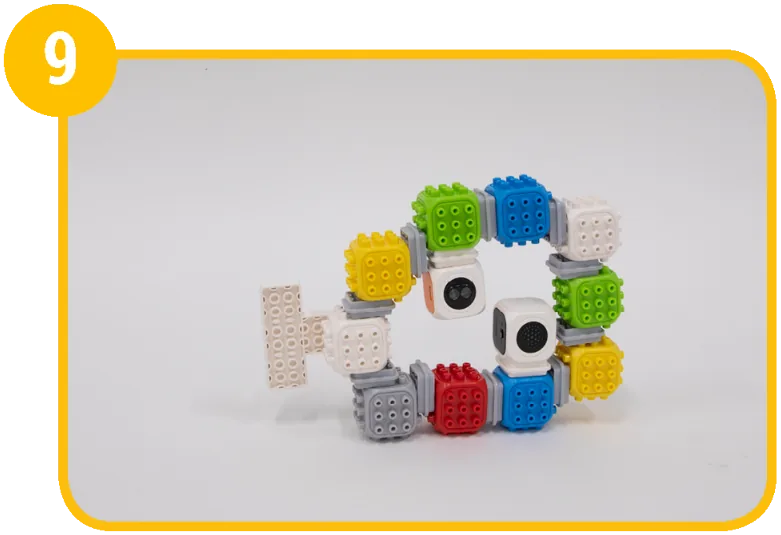
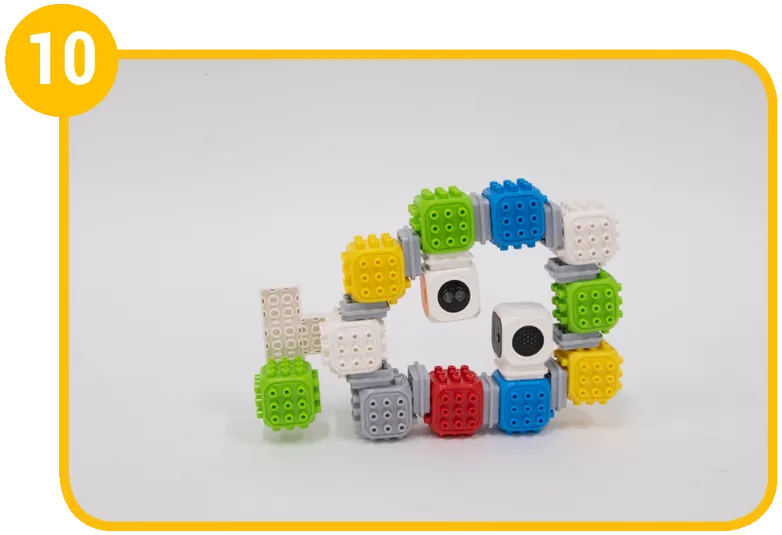
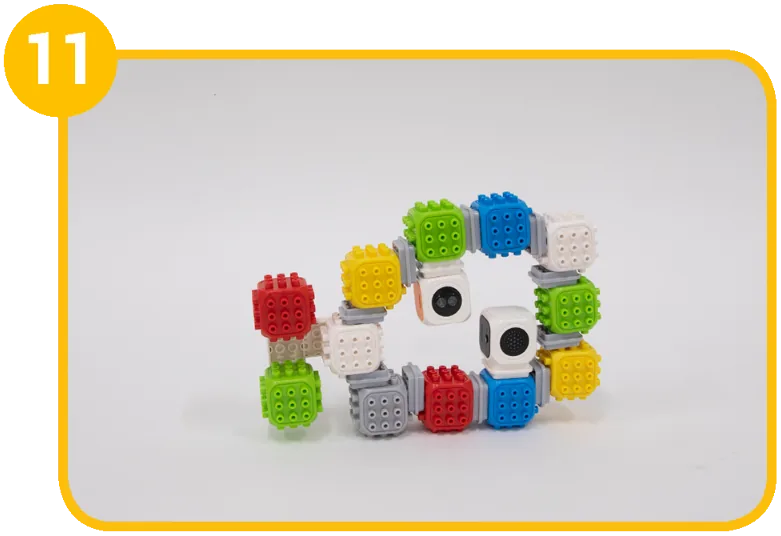
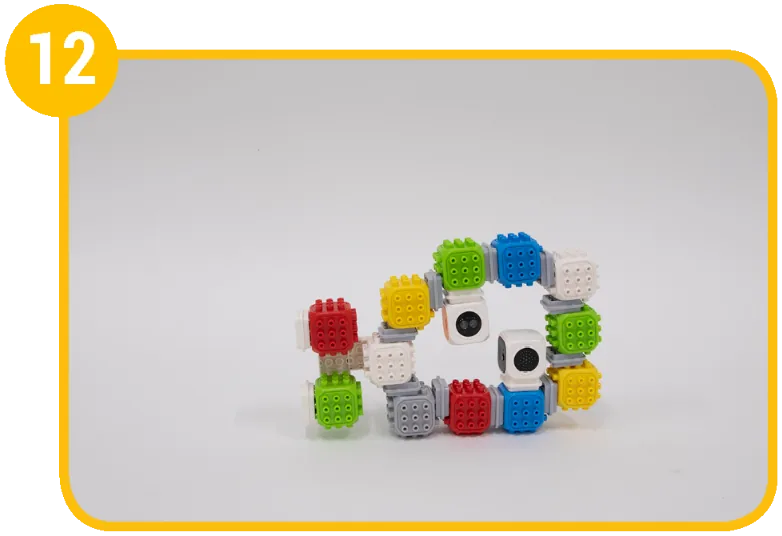
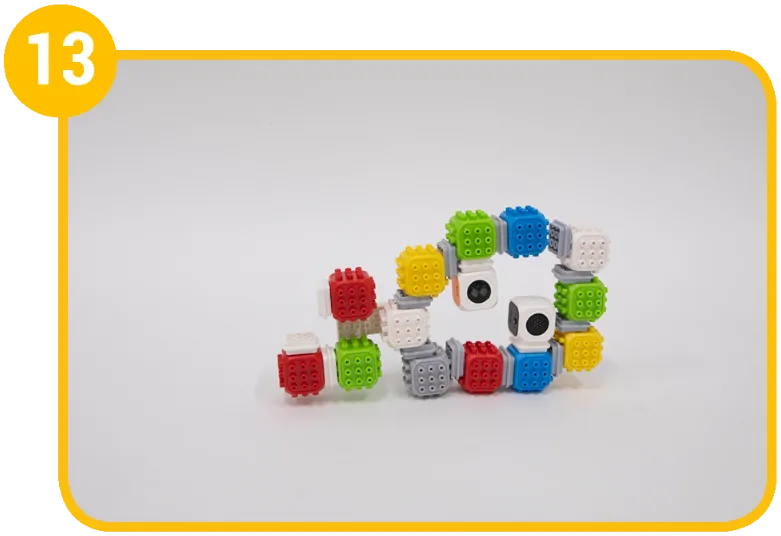
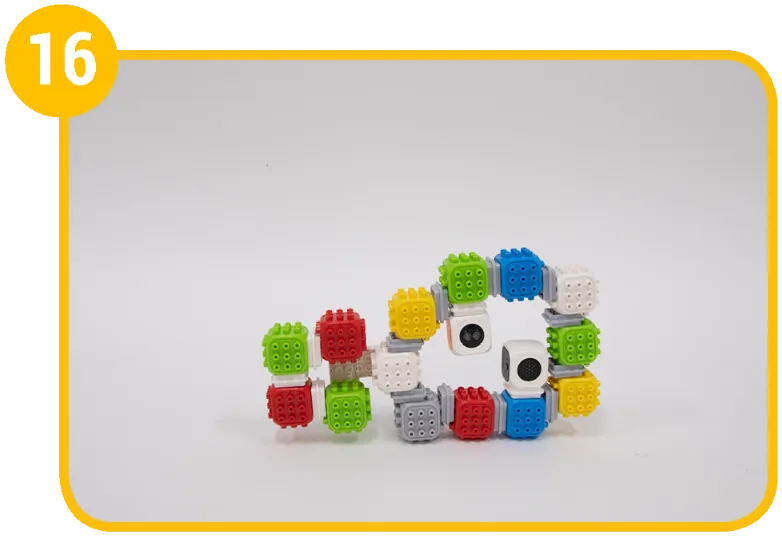
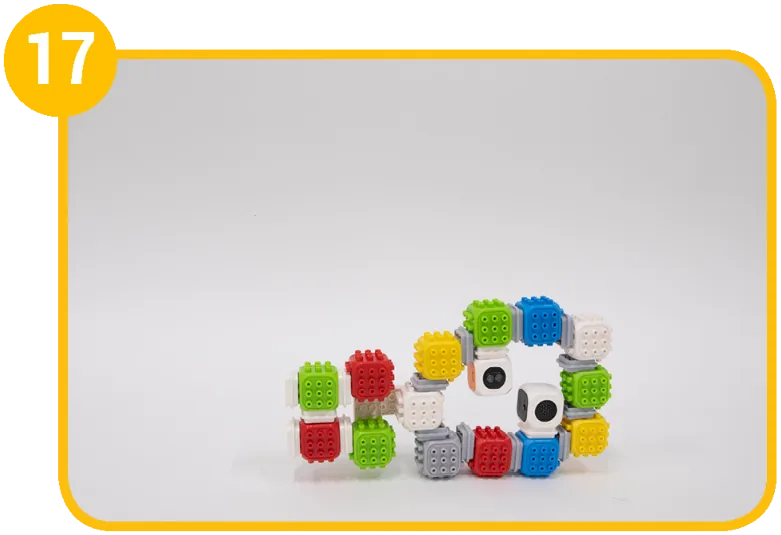
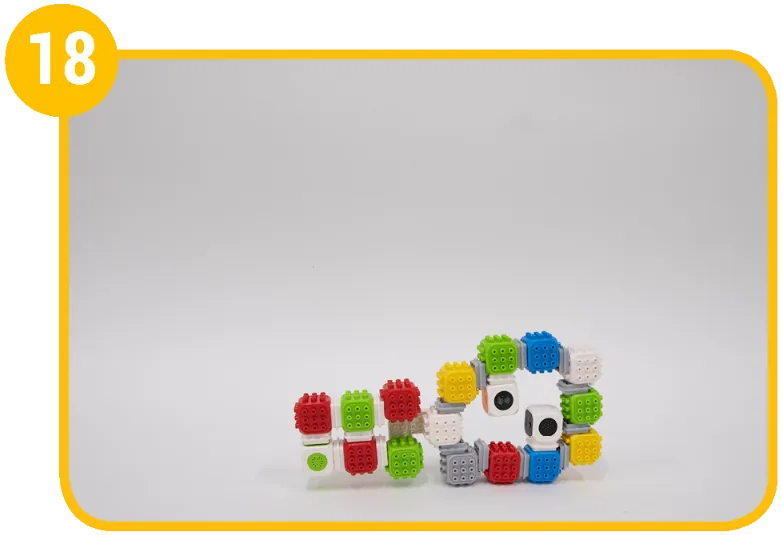
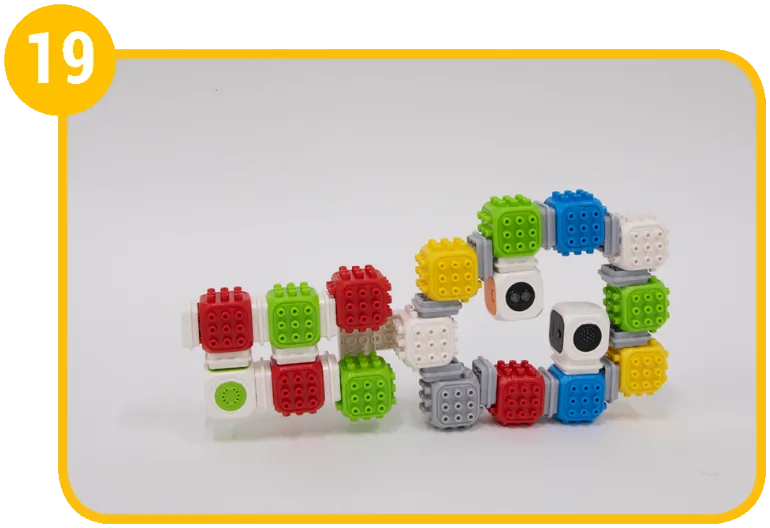
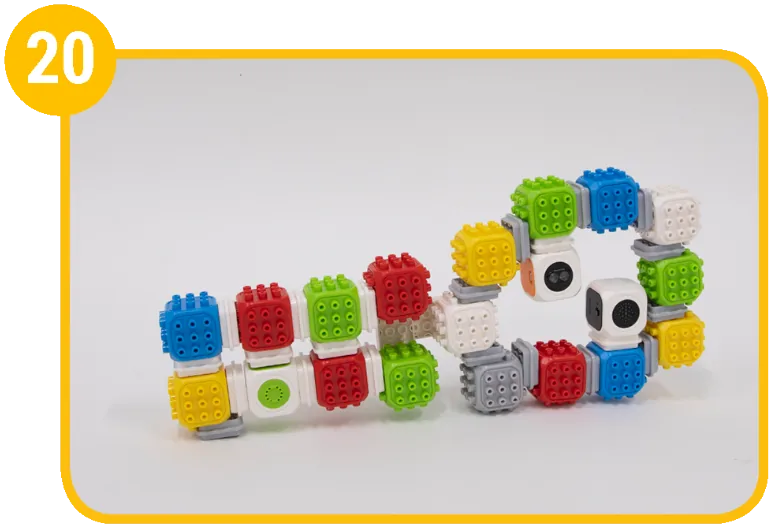
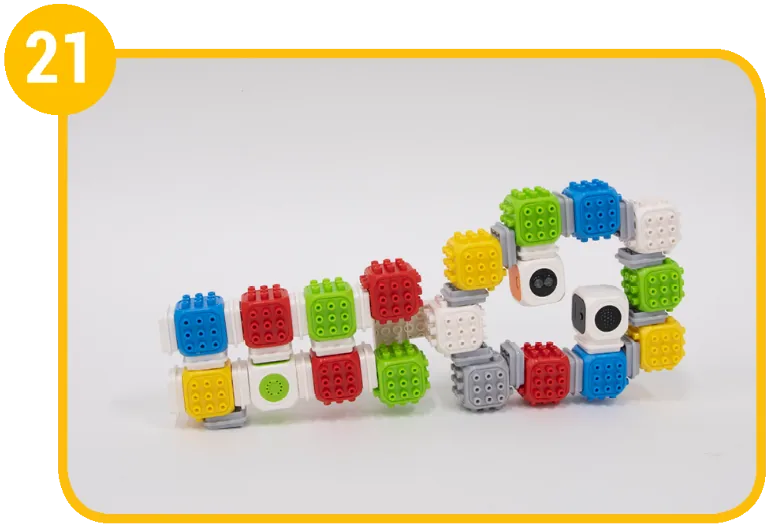
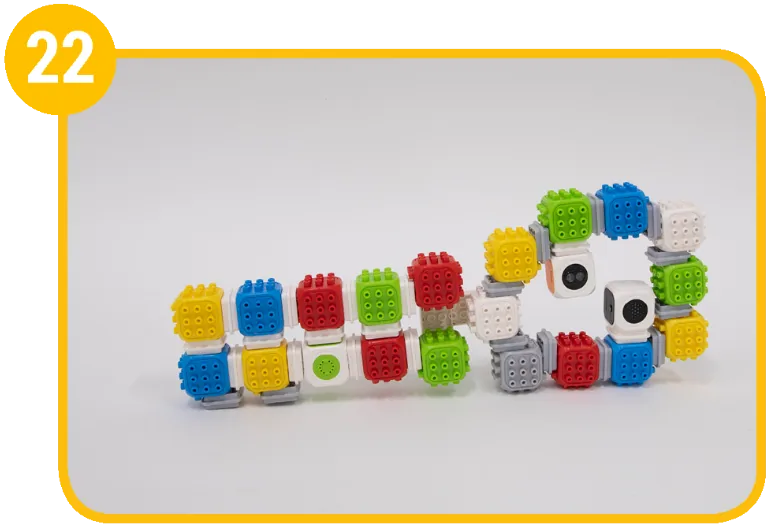
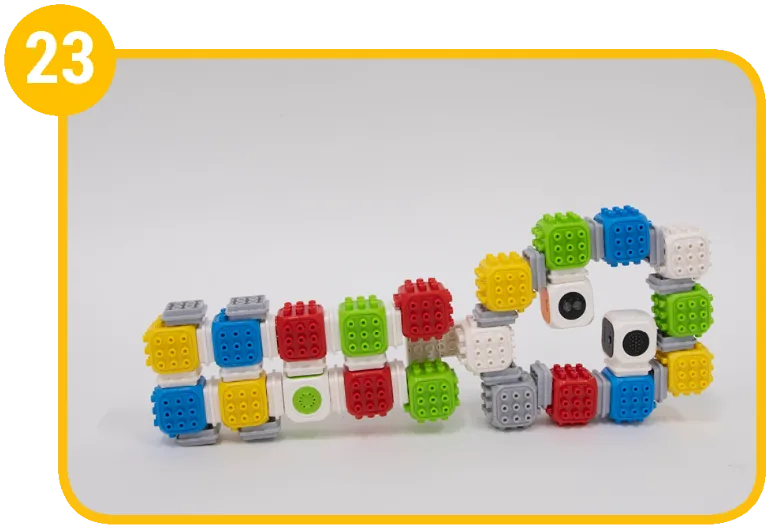
1 / 21
Coding mission
Build a ukulele that makes beautiful sounds – a smart ukulele that plays on its own when you put your finger on it. Code it to light up and play a melody when your finger is near.

Blocks and their jobs
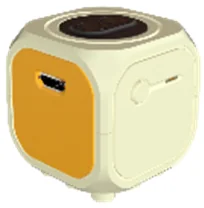 Proximity Sensor BlockSenses how close your finger is
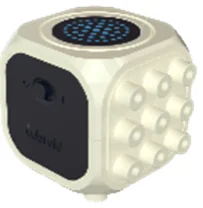 Master BlockUkulele light
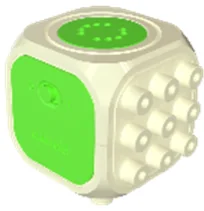 Sound BlockUkulele music
Let's think
When your code gets long and complicated, use functions.
- Put many command blocks together into one block, and your code becomes simple.
- You can use the code you made again and again.
- The bat and the glove can only hit and catch when they are the same color.
Bat = Hit, Glove = Catch


Show the solution
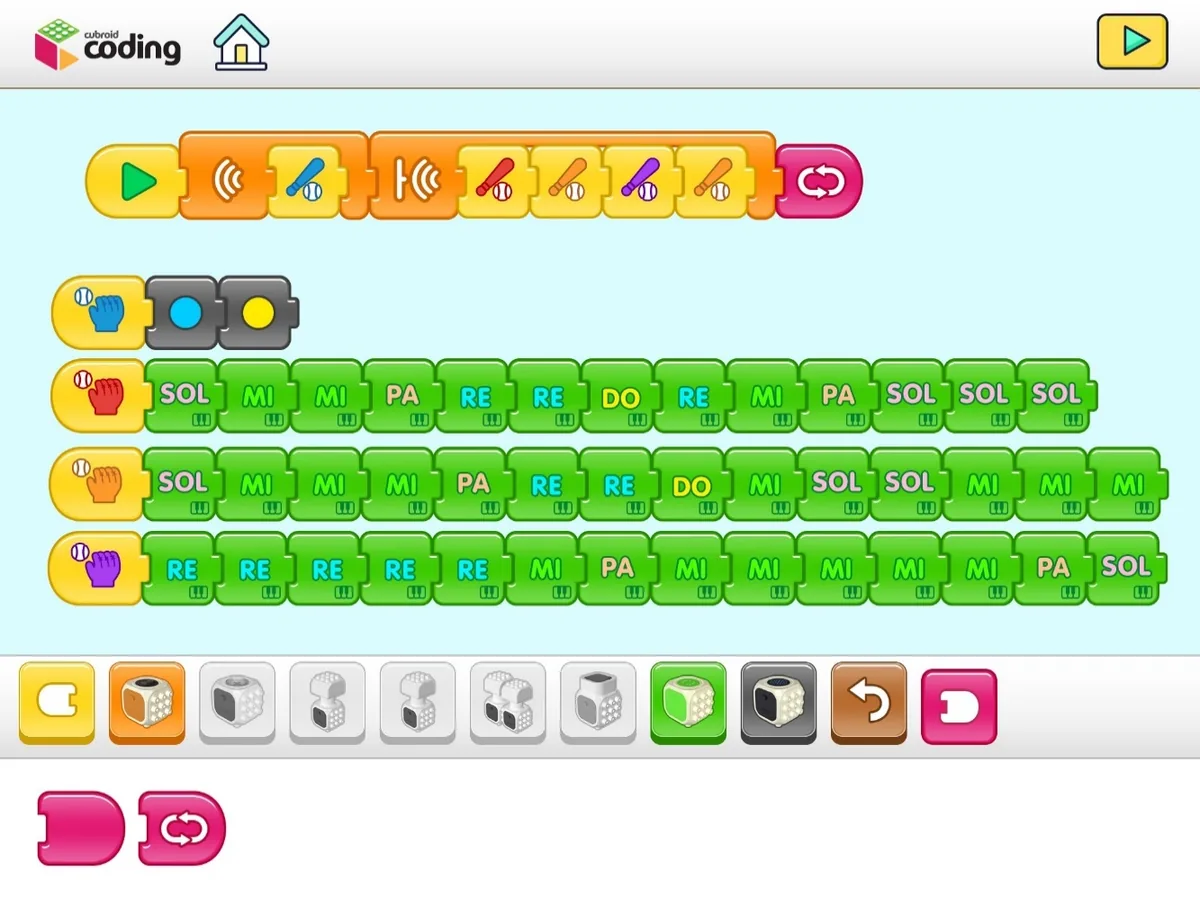
When your finger is far from the proximity sensor block, it only shows yellow and blue lights. When your finger comes close, the song “Lightly Row” plays automatically. You can reuse code for songs that use the same notes.
Mission complete!
Built it and coded it? Tap to save your progress.