
How can AI tell dogs from cats?
Train an image classifier, then connect its predictions to robot actions.

Learn about AI
What is supervised learning?
AI learns patterns from many labeled dog and cat photos to tell the two classes apart.
Watch the reference video (Korean) ↗
How does AI learn dogs and cats?
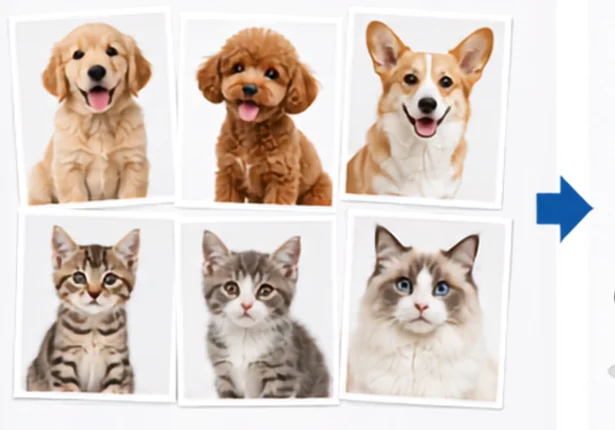 1. Collect examplesCollect many photos of dogs and cats.
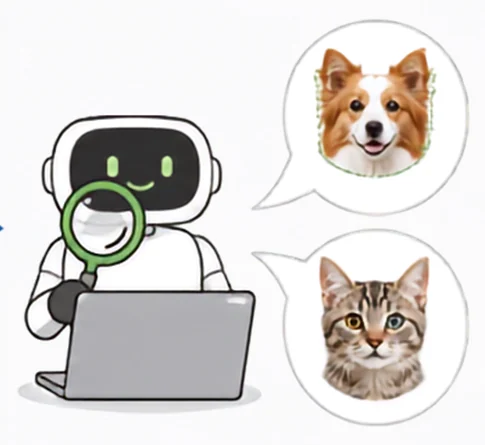 2. Find patternsCompare features such as ear and face shapes.
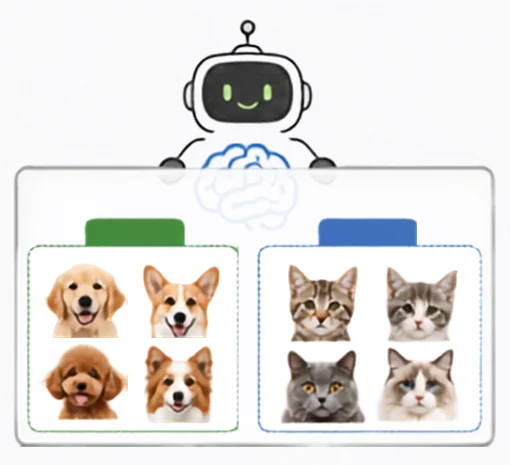 3. Learn patternsLearn patterns that help tell dogs from cats.
Build
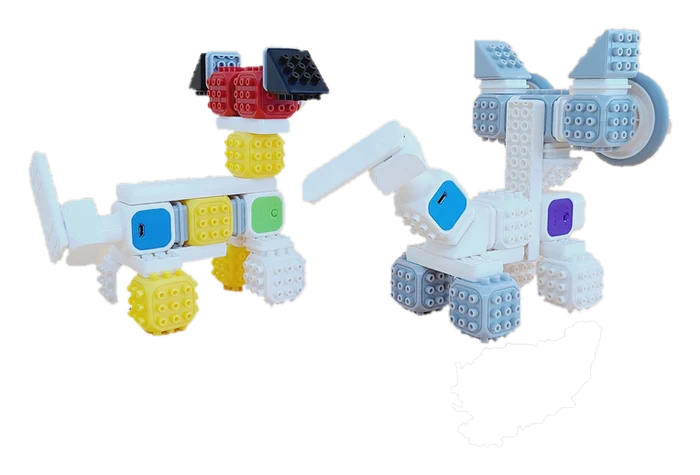
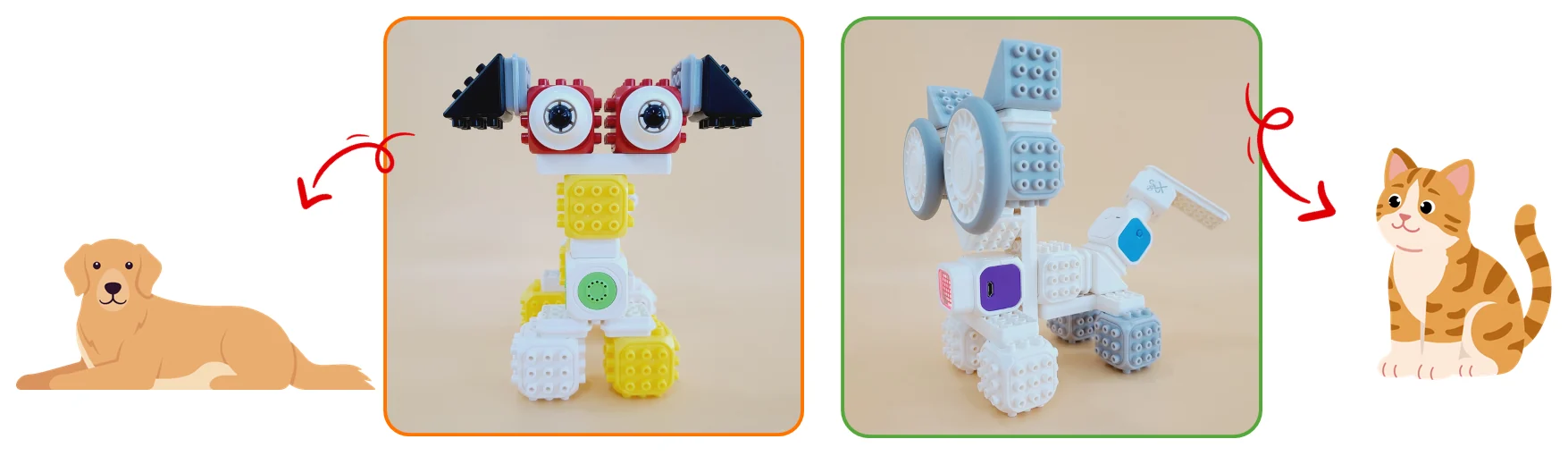
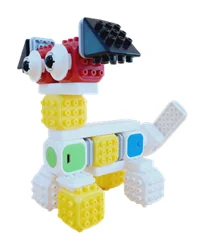
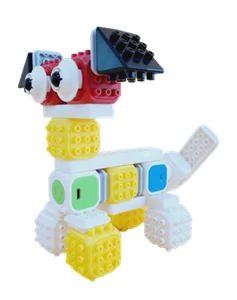
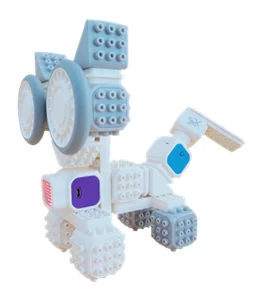
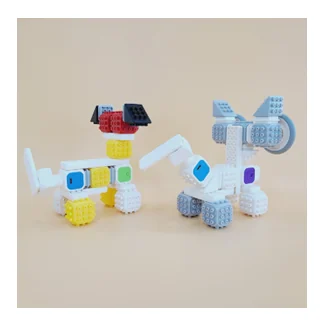
Let's build a dog and a cat!
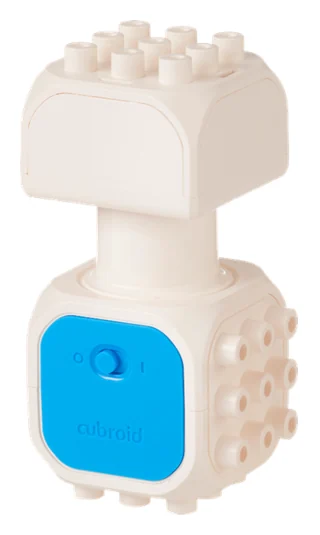
| Command | What it does |
|---|---|
| Turn motor: rotate left | Rotate continuously to the left. |
| Turn motor: rotate right | Rotate continuously to the right. |
| Rotate left for 1 second | Rotate left for the set time. |
| Rotate right for 1 second | Rotate right for the set time. |
| Turn motor off | Stop the motor. |
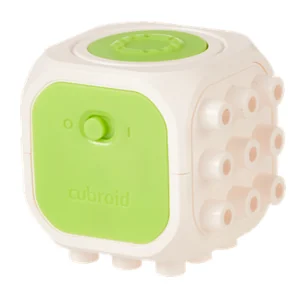
| Command | What it does |
|---|---|
| Play note | Play a musical note. |
| Play note for 0.25 beats | Set the note duration in beats. |
| Play sound effect | Play a buzzer sound effect. |
| Play effect for 0.25 beats | Set the effect duration in beats. |
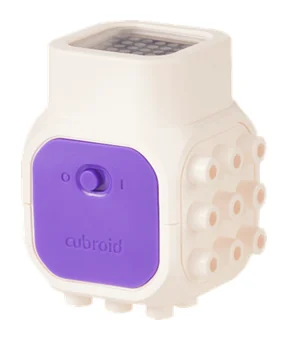
| Command | What it does |
|---|---|
| Display LED dots | Draw a custom dot pattern. |
| Display text: A | Show letters on the LED block. |
| Display number: 1 | Show numbers on the LED block. |
| Display icon: Heart | Show a built-in icon. |
| Clear LED display | Turn off the LED dots. |
Build the dog and cat
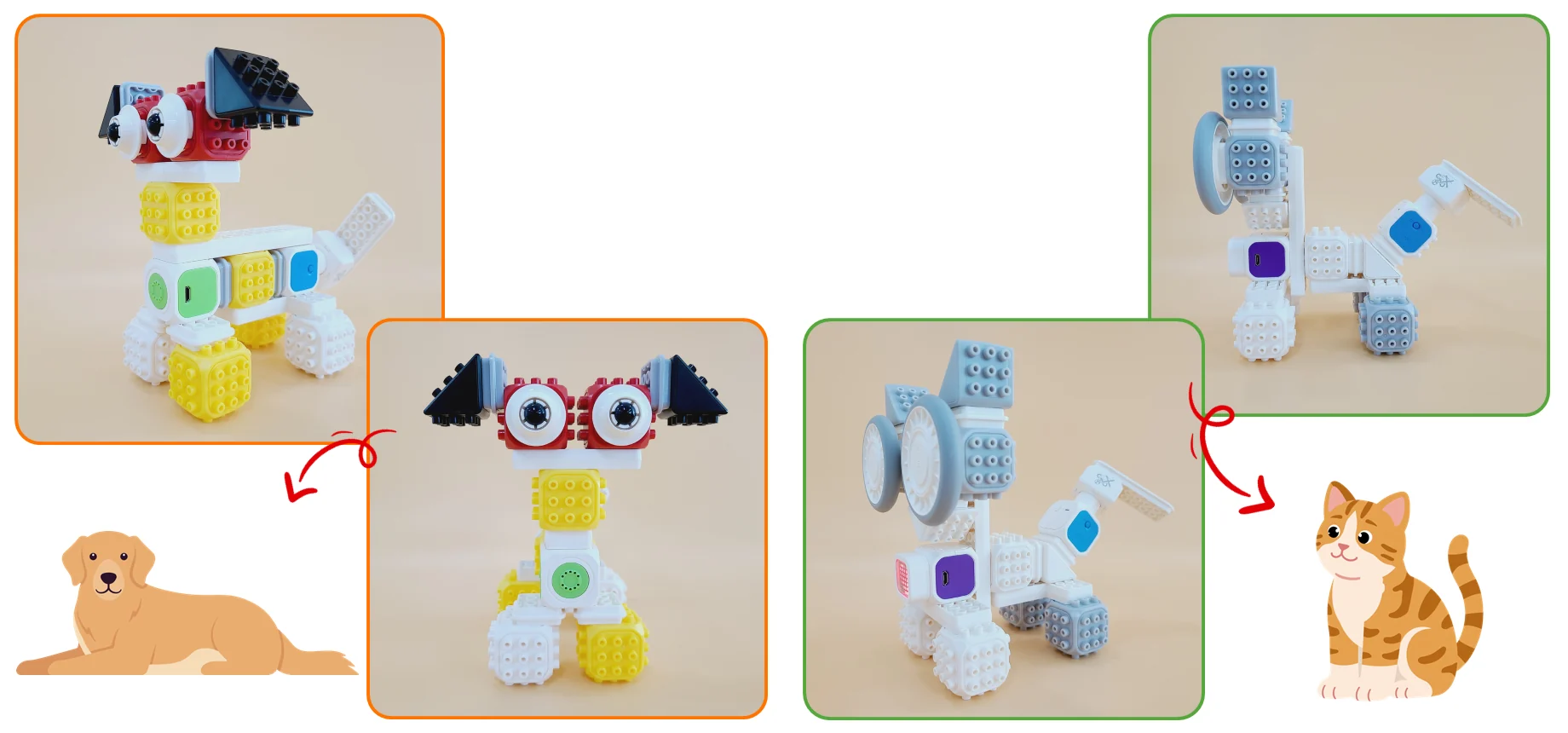
Teach the AI
Open CuroAI
Add the machine learning extension
Open Extensions and select Cubroid Machine Learning.
Create three classes
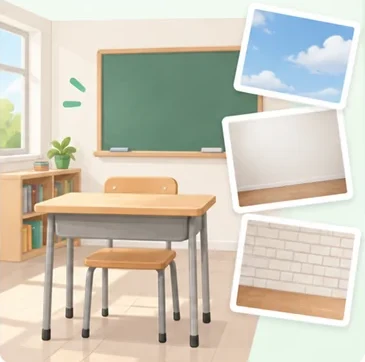
Create three classes: Dog, Cat and Background.
What is a label? A class name that tells AI what an example shows.
15+ varied examples per class
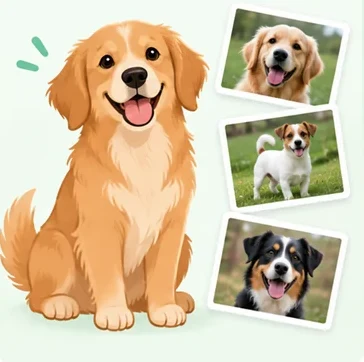
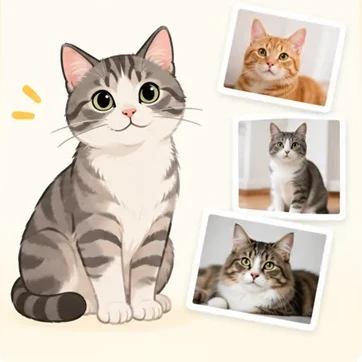
Name the three classes
Name each label, then click each naming block once to save.
Why train Background? AI needs a class for scenes with no dog or cat.
name label [1 v] as [Dog] :: #52b98a

name label [2 v] as [Cat] :: #52b98a

name label [3 v] as [Background] :: #52b98a
Collect varied training examples
Collect 15+ varied examples per class with the training-label blocks. Vary the angle and background.
Keep other animals out of view when collecting one class.
train label [1 v] :: #52b98a

train label [2 v] :: #52b98a

train label [3 v] :: #52b98a
Connect the blocks (group number)
Power on the blocks, match the block's sticker number, then confirm.
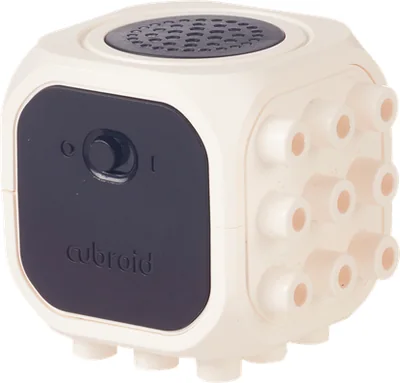
Code & run
Which block does what?
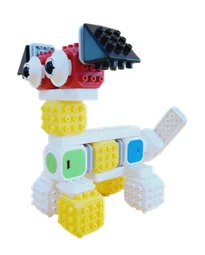 DC Motor 1Dog's tail
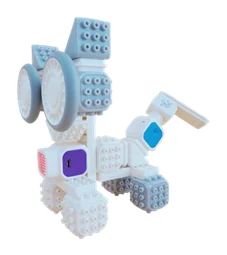 DC Motor 2Cat's tail
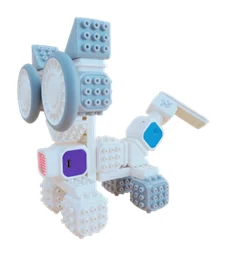 LED BlockCat's expression
 Sound BlockDog's sound
Connect predictions to actions
 DOG
DOG- Make a sound effect
- Move motor 1 left / right
- Stop motor 1
 CAT
CAT- Show an LED heart
- Move motor 2 left / right
- Stop motor 2; clear LEDs
 BACKGROUND
- Stop motor 1
- Stop motor 2
- Clear the LED display
Review the complete program
Click the naming and training blocks first. The ‘when received label’ blocks then run by themselves each time the AI recognises a class.
name label [1 v] as [Dog] :: #52b98a

train label [1 v] :: #52b98a

when received label: [1 v] :: hat #52b98a
play note [Small effect v] :: sound
turn DC Motor Block 1 (1)for [rotate left v] seconds :: motion
wait (1) seconds :: control
turn DC Motor Block 1 (1)for [rotate right v] seconds :: motion
wait (1) seconds :: control
turn DC Motor Block 1 off :: motion
name label [2 v] as [Cat] :: #52b98a

train label [2 v] :: #52b98a

when received label: [2 v] :: hat #52b98a
display [♥ v] :: looks
turn DC Motor Block 2 (1)for [rotate left v] seconds :: motion
wait (1) seconds :: control
turn DC Motor Block 2 (1)for [rotate right v] seconds :: motion
wait (1) seconds :: control
turn DC Motor Block 2 off :: motion
clear display :: looks
name label [3 v] as [Background] :: #52b98a

train label [3 v] :: #52b98a

when received label: [3 v] :: hat #52b98a
turn DC Motor Block 1 off :: motion
turn DC Motor Block 2 off :: motion
clear display :: looks
Train 15+ varied examples per class before testing. Check label changes, timing and motor direction.
Try it out
Turn on the camera and show a dog photo, then a cat photo, to the camera. You can print the photos or show them on another device's screen. Check that the robot's movement changes with the label the AI recognises.
- Show a dog photoA sound effect plays and the dog's tail (motor 1) wags left and right.
- Show a cat photoA heart appears on the cat's face (LED) and the cat's tail (motor 2) wags.
- Take the photo awayWith no dog or cat (background), the motors stop and the LED display clears.
If the movement doesn't change reliably, collect more example photos for that class and train again. Try a few more times at different distances and lighting.
Quiz
QWhat is the learning method that uses labeled examples?
Show answer
Supervised learning — AI learns from examples with class labels.
Built it, coded it and tested it? Tap to save your progress.