
Smart Household Tools: a fan and a phone
Tools at home make life easier. Build a spinning fan and a pretend phone with Cubroid blocks!
Tools at home
Notes for teachers
Grades 1–2, about 2 lessons (fan + pretend phone). Adapted from a Busan Office of Education summer program lesson. No AI in this lesson: it is a first coding lesson.
Class promises: 1) Join in and have fun. 2) Say “I can do it!” and “Please help me.” 3) Stop the motor before touching spinning parts. 4) Put the blocks away when you finish.
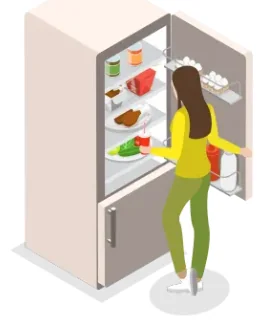
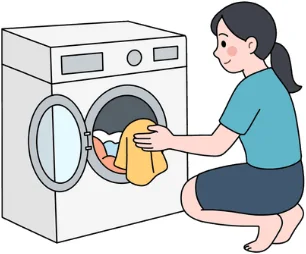
Which tools do we use at home?
Let's name them together!

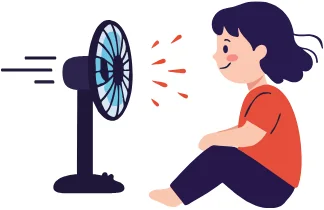
What if we had no household tools?

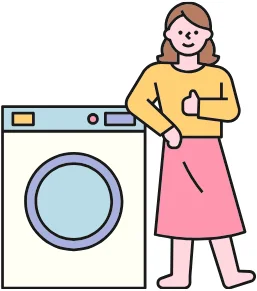
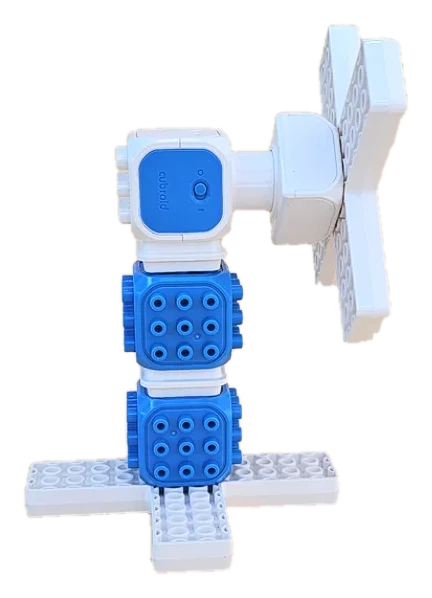
Make a fan

How does a fan work?
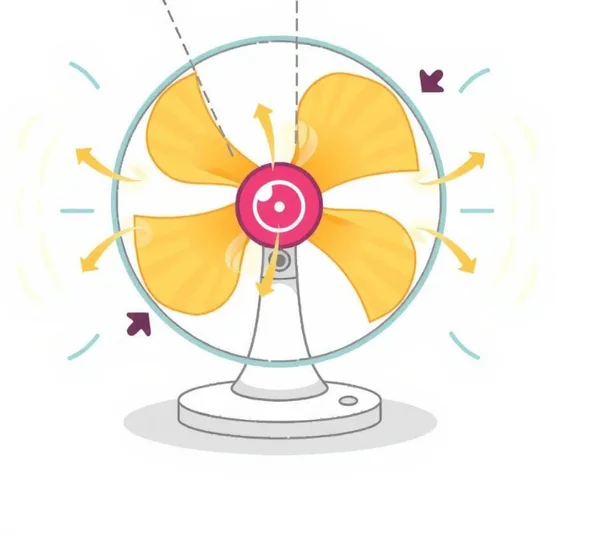
- 1. ElectricityElectricity makes the motor go.
- 2. BladesThe spinning blades move the air.
- 3. WindMoving air feels cool on our skin.
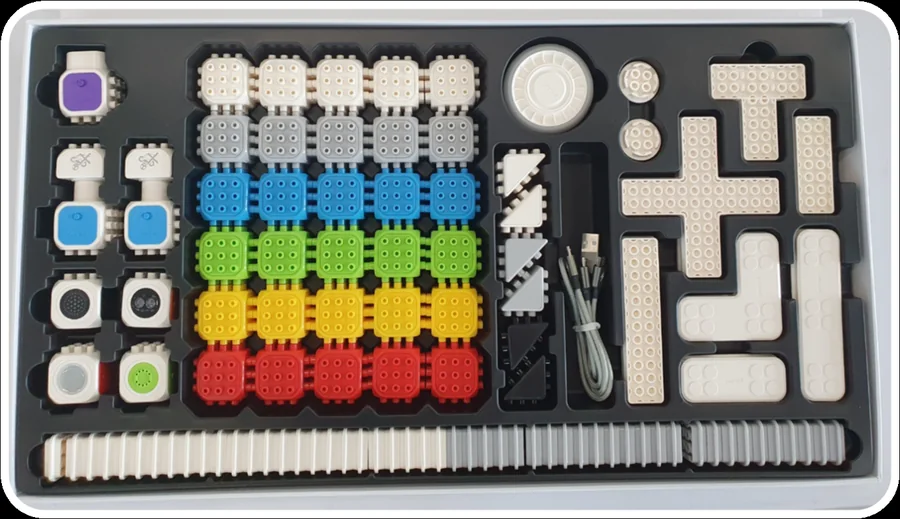
Meet today's blocks
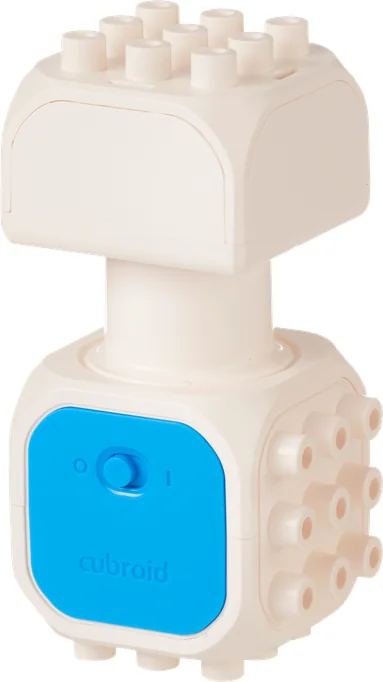 DC Motor Block“Hi! I spin to help your model move.”
Blocks needed
- × 1
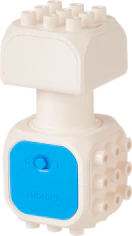
- × 2

- × 2
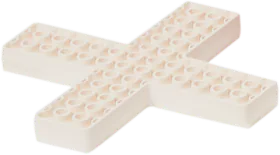
- × 2
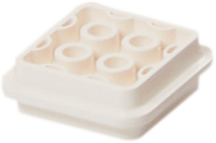
Build the fan
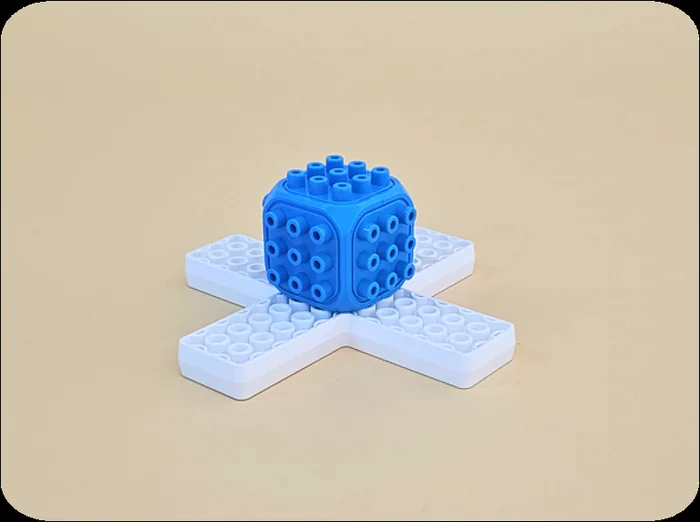
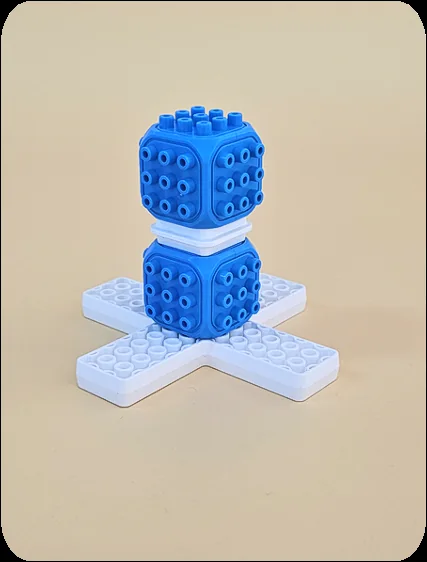
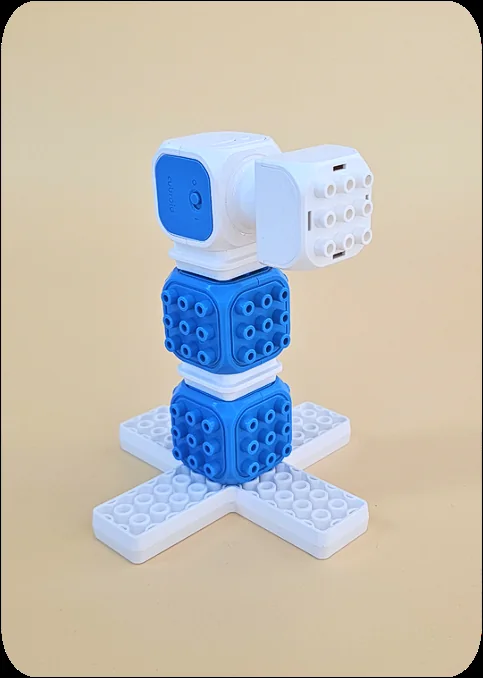
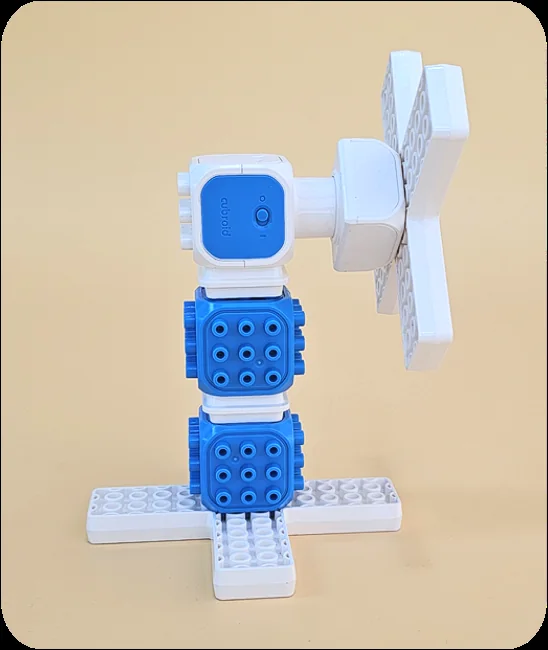
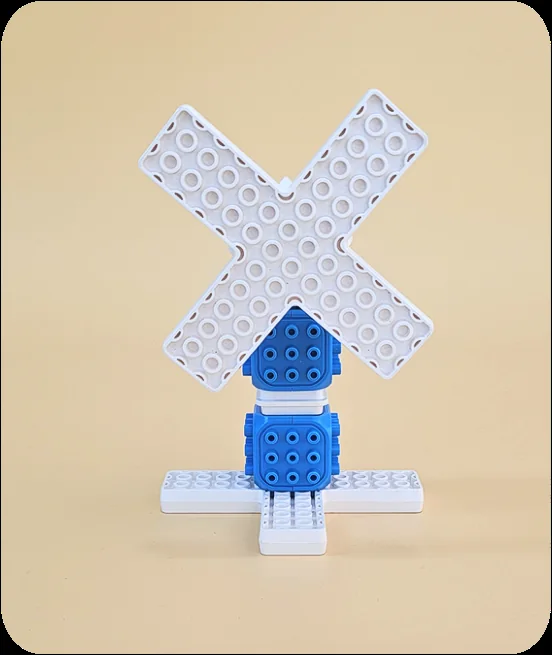
Make the fan spin
Open Coding Cubroid AI
Open the app.
 Coding Stage
 AI Stage
 Control Stage
 Smart Control
Use the same group number
Use the group number that matches your blocks.
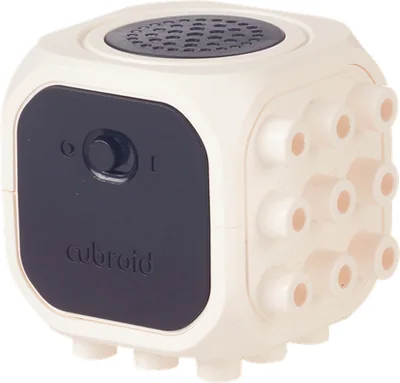
Connect the blocks
Tap the link icon at the top right.
Check the blocks you need before you start. Grey icons mean not connected yet.

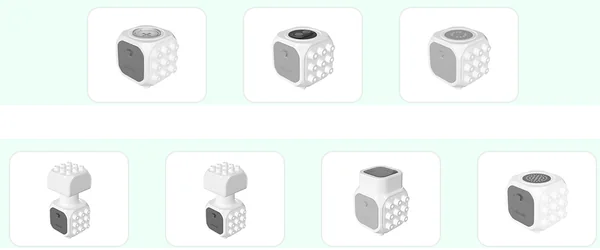
Choose Control Stage
Tap the purple Control Stage to try the fan.
Coding StageAI StageControl StageSmart ControlTry the arrows
Press the arrows and watch the motor.
Keep fingers, hair and loose clothes away from the spinning blades.
Make a pretend phone
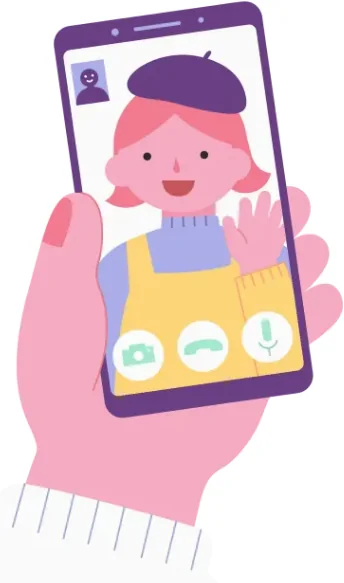
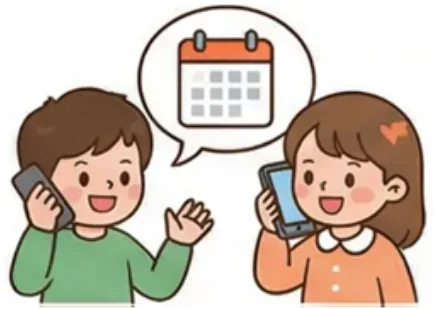
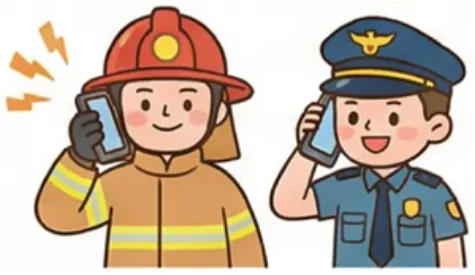
How do phones help us?

Meet today's blocks
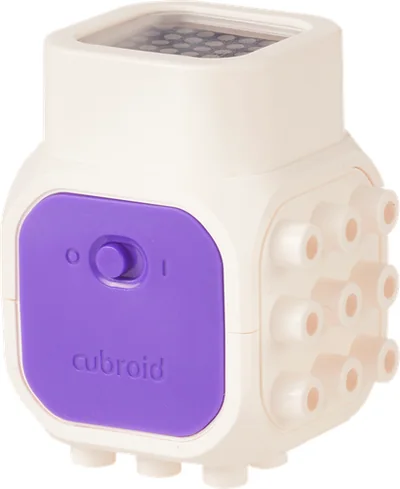 LED Block“Hi! I make LED pictures!”
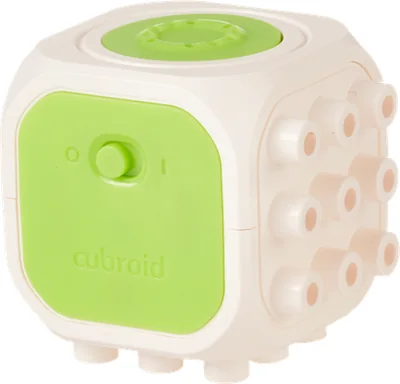 Sound Block“Hi! Do, re, mi! I play a tune.”
Blocks needed
- × 1
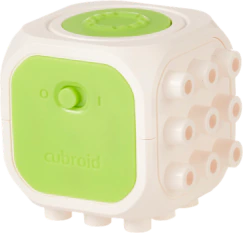
- × 1
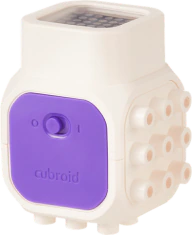
- × 2
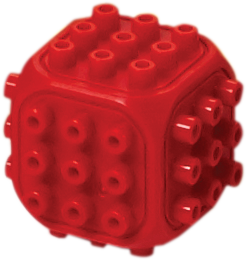
- × 2
- × 2
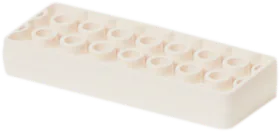
- × 1
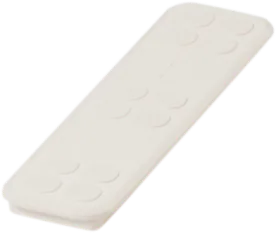
- × 1
Build the phone
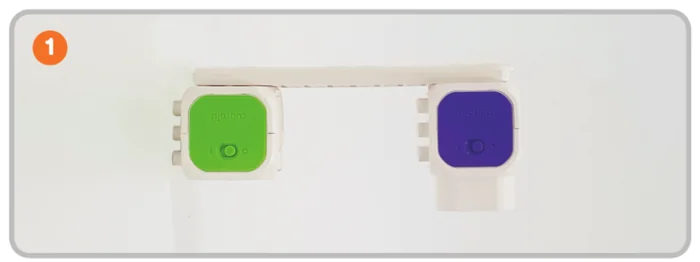
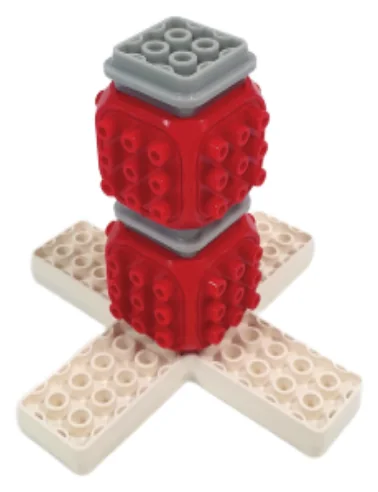
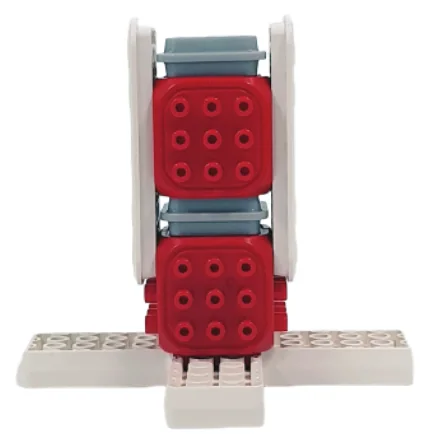
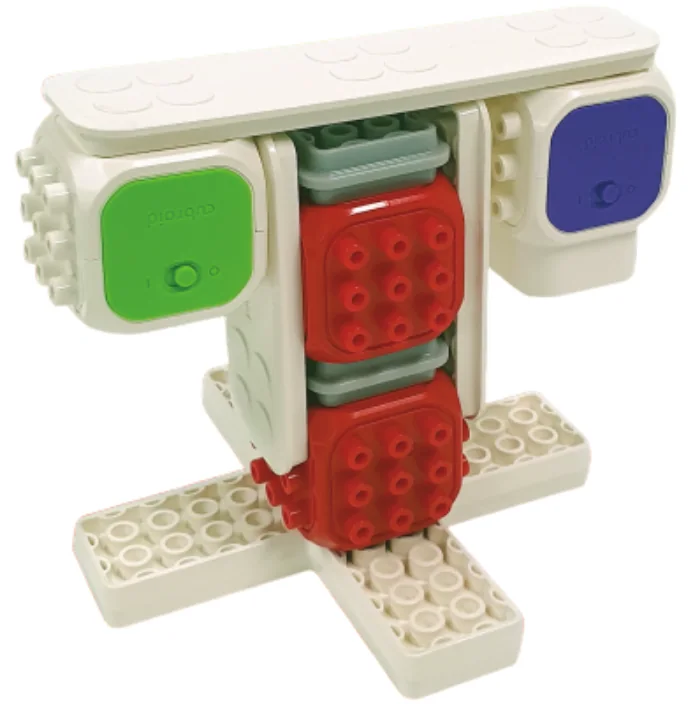
Code the phone
Connect the blocks
Connect the Sound Block and the LED Block. Check that both are connected.
Choose stage 4
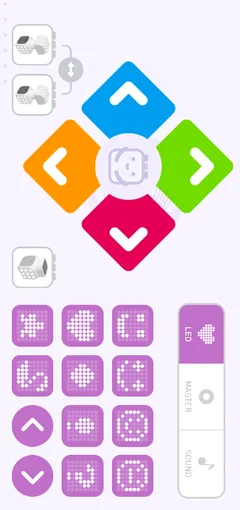
In Coding Stage, choose the orange number 4: LED + Sound.
Coding StageAI StageControl StageSmart Control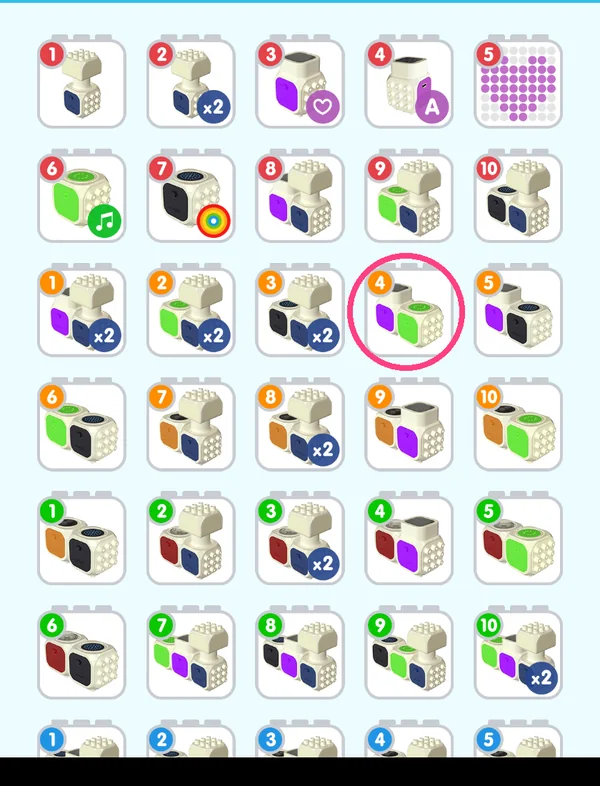
Try a first command
Choose a sound, like DO. Put it in the first slot. Then press Play.
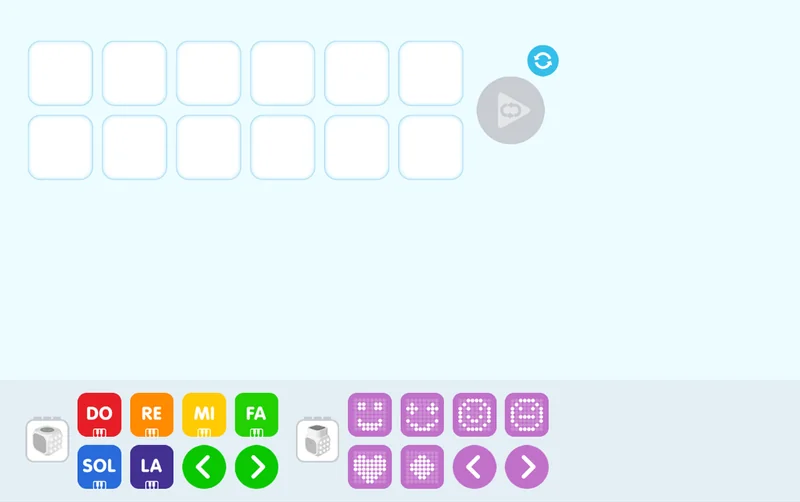
Ring-ring! Make a ringtone
Make a pretend-phone pattern. Sound: DO → MI → SOL. LED: smile → heart.
Guess what will happen first. Then try it. Change one command and see what is different.
Quiz
QTrue or false? The DC Motor Block is for playing sounds.
Show answer
False (X) — The DC Motor Block spins. The Sound Block plays sounds.
QWhich one is not a household tool? (1) Fan (2) Washer (3) Traffic light (4) Vacuum
Show answer
(3) — A traffic light is on the street, not at home.
Put the blocks back in place
Built it, coded it and tested it? Tap to save your progress.